
POS & Software
The right POS for your business. Set up for you.
Clover and the specialist systems your industry runs on, picked for how you sell, installed by our team, and connected to the software you already use.
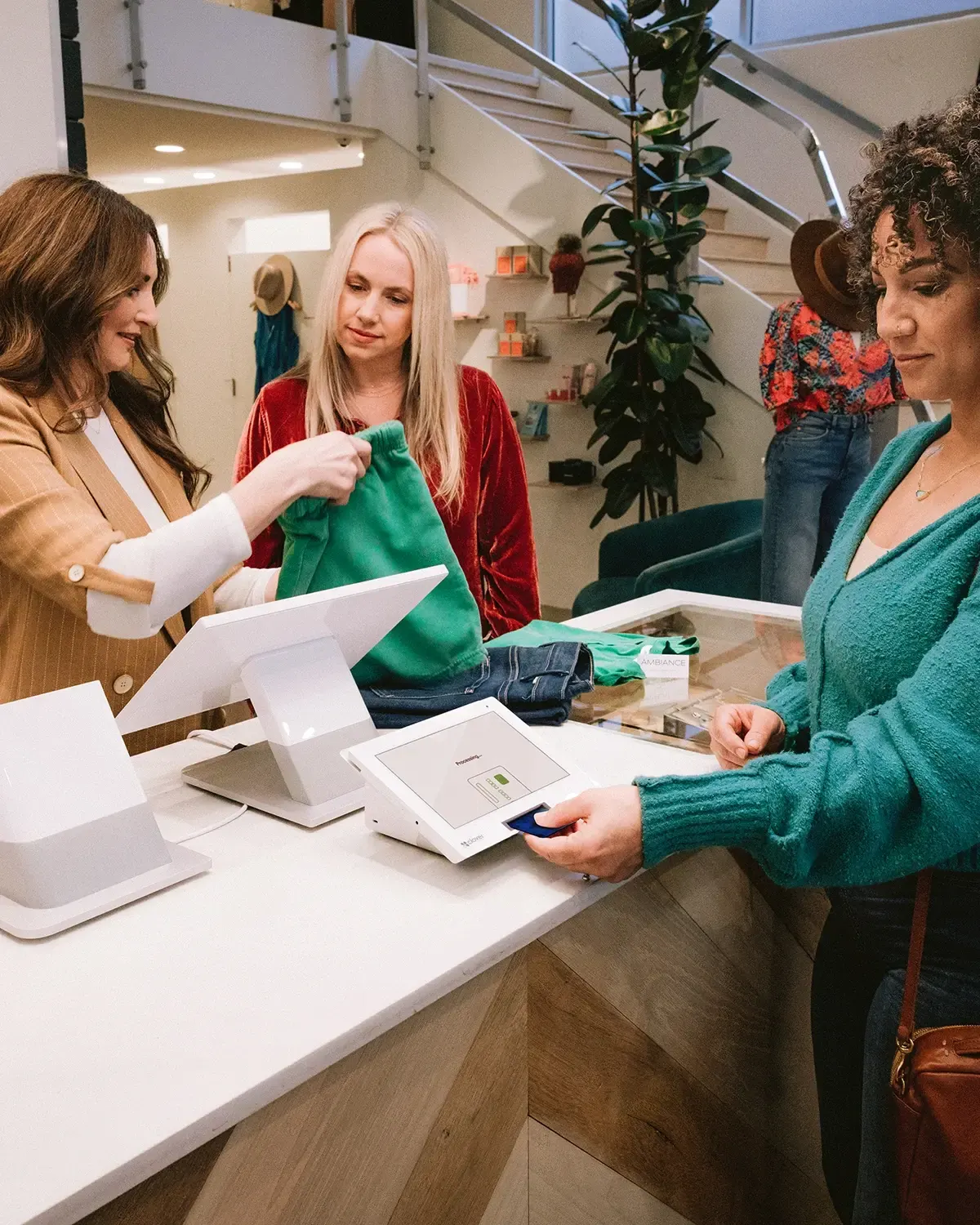
Matched, not pushed
We start with your business, not a brand.
A company that sells one system recommends that system. We are not tied to one, so the first question is how you sell. The answer might be a new POS, or keeping yours and changing what runs through it.
See the brands we work with- Matched, not pushedWe compare systems for your type of business and recommend the one that fits, not the one we have to sell.
- Set up for youHardware configured, items loaded, and your team trained before your first sale.
- ConnectedLinked to the accounting, ordering, and scheduling software you already use.
- One team to callPOS, terminals, and payments handled by the same people, any time of day.
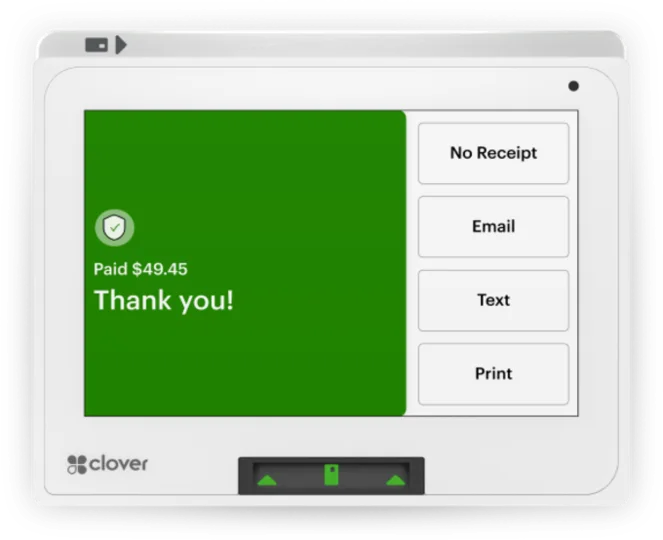
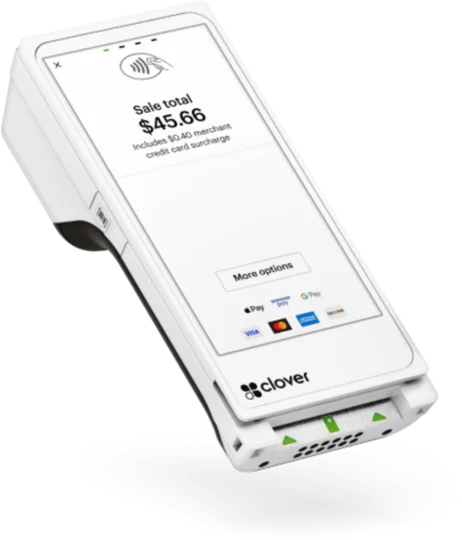
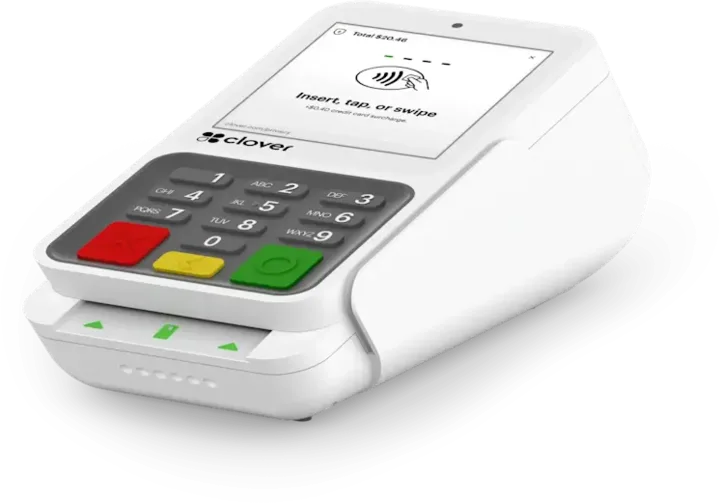
Hardware by job
The devices your business needs.
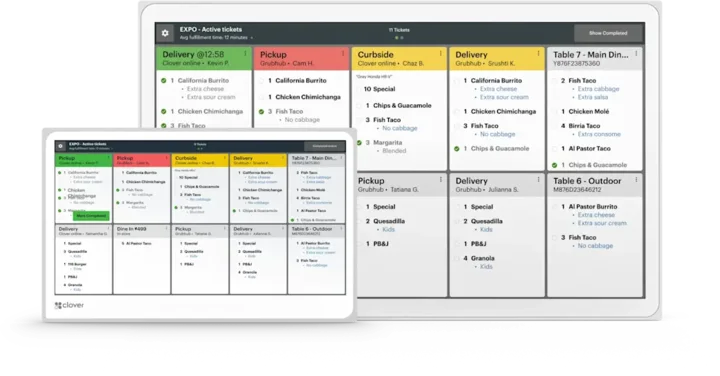
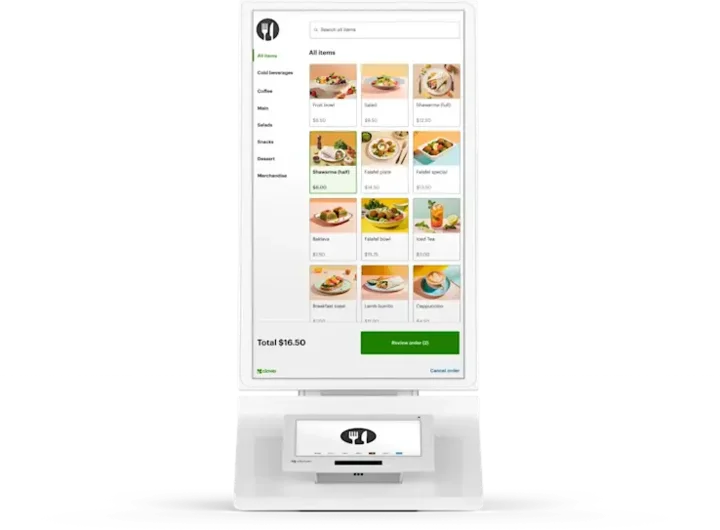
From a single reader to a full dining room. Most businesses combine two or three, and we set up and test every one.
Payments in plain terms
Every way your customers pay.
We set up the card processing behind your POS and explain what you pay before you sign.
- Card processingChip, tap, and phone wallet payments at the counter or on the go, processed through CardConnect and managed in CardPointe.About CardPointe
- Online payments and invoicingPayment links, online checkout, invoices, recurring billing, and bank (ACH) payments, all on the same account.Ask about this
- Cash discount and surchargingPrograms that offset what you pay to accept cards, set up within card brand rules and the law where you sell.How they differ
Already taking cards? Send us a statement.
We read a recent processing statement with you, show you your effective rate, and point out where the fees come from.
Cash discount and surcharging
Two ways to offset card fees.
Both are allowed only within card brand rules, and some states limit or ban surcharging. We set up the one that fits, the right way.
- Credit cards only: never debit or prepaid cards
- Capped by card brand rules and state law
- Posted at the door and the register, and on every receipt
- Your listed price is the card price
- Customers who pay cash get the lower price
- Prices shown as the card price, or card and cash side by side
From Visa's U.S. merchant surcharging rules (Visa Q and A). Rules change and state law can be stricter, so we check both for each location before you start.
Set up and supported
From first call to a till that balances.
- 01
Talk through how you sell
What you sell, how many stations and locations, and the software the POS has to work with.
- 02
Compare systems
Options that fit your business, with the hardware and processing each one needs, side by side.
- 03
Build and test
Menu or catalog, taxes, payment types, and staff accounts set up, and every device tested.
- 04
Go live, supported
Your team trained by role, and one team to call after go-live as your business grows.
Industries
Start with your business.
Each industry page shows the software, Clover hardware, specialist partners, and payment options that fit how that kind of business runs.
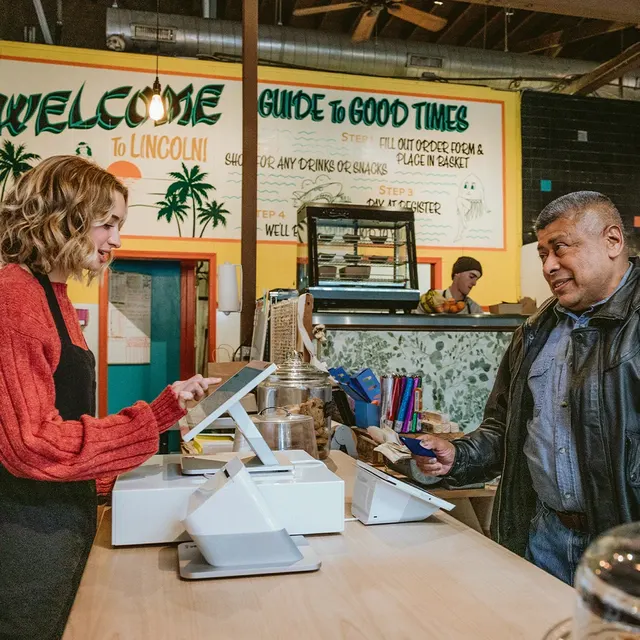 Restaurants and barsPOS, ordering, and payments for full-service restaurants and bars.
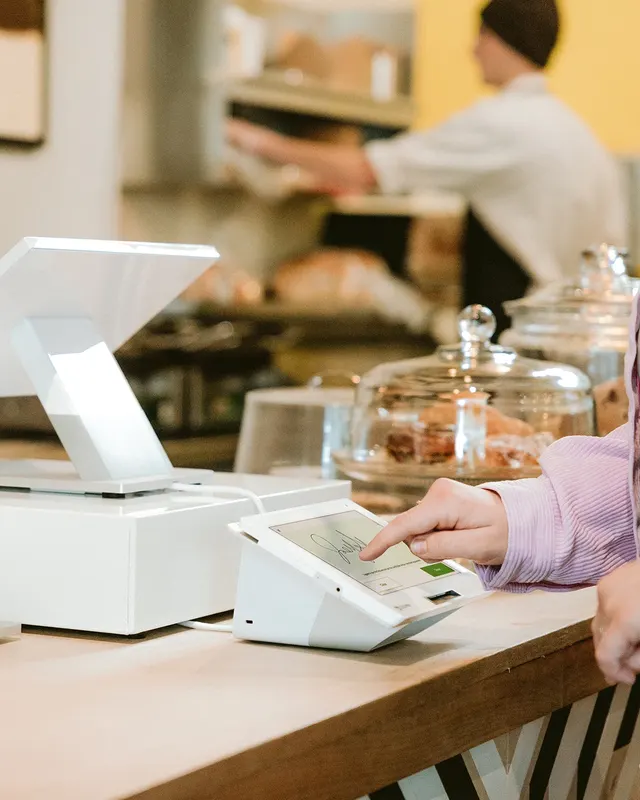 Quick service and cafésFast counter service, kiosks, mobile ordering, and payments.
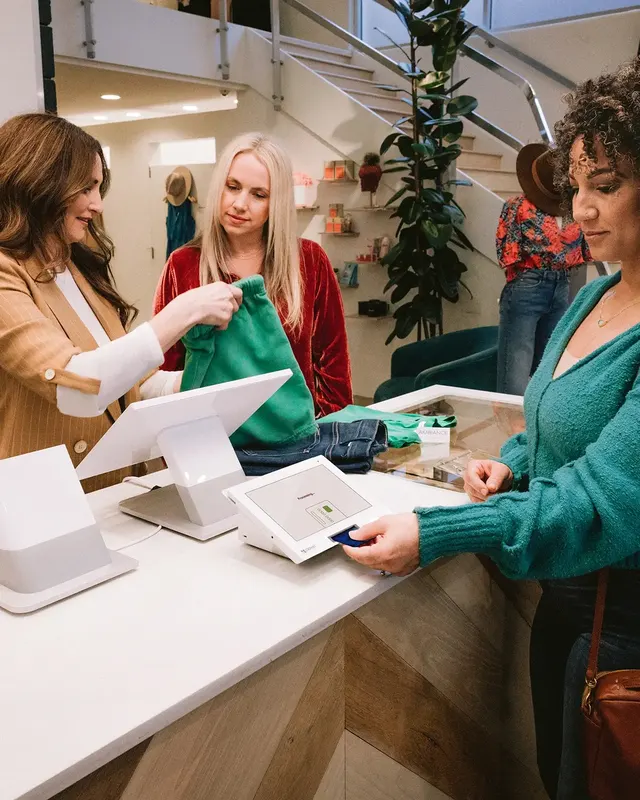 Retail and specialty storesCheckout, inventory, and multi-store tools for retail and specialty shops.
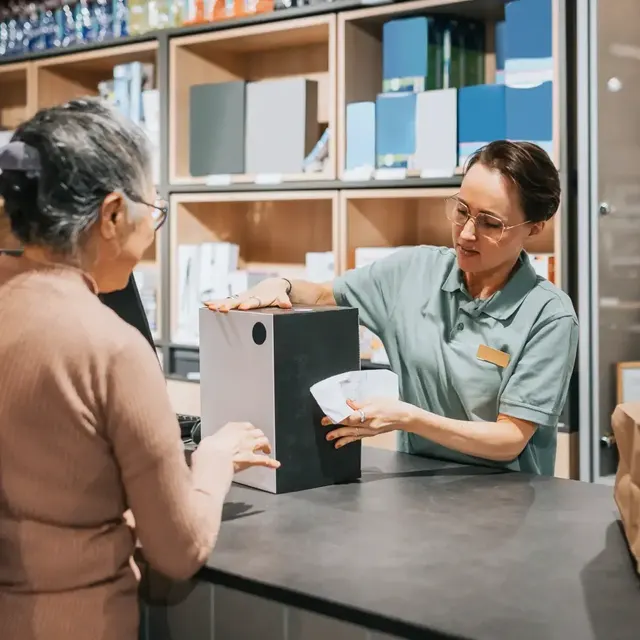 Liquor and beverage retailLiquor-store POS, inventory, distributor invoices, and online sales.
 Salons and spasBooking, checkout, and payments for salons, spas, and beauty studios.
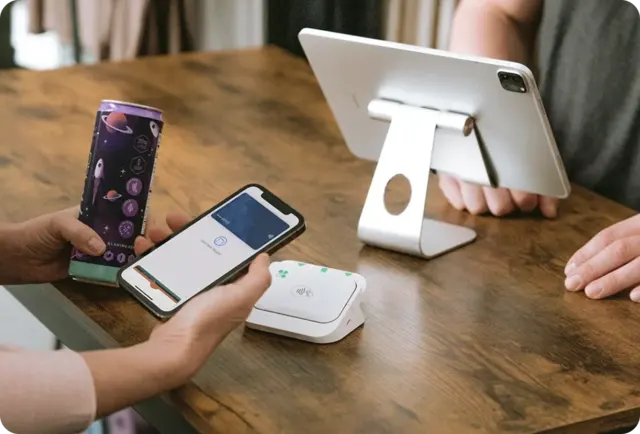 Contractors and field servicesScheduling, estimates, invoicing, and payments in the field.
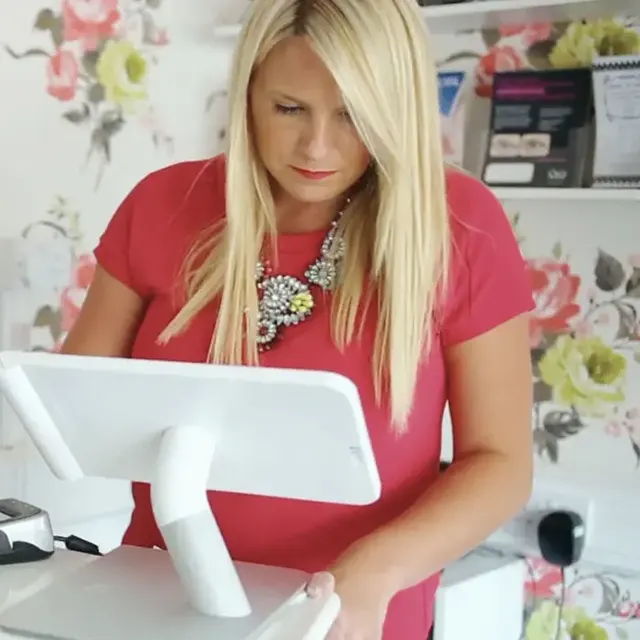 Professional servicesInvoicing, recurring billing, ACH, and accounting connections.
- Healthcare and practice managementPatient collections, front desk payments, and practice tool connections.
- ParkingParking payments and operations for operators, campuses, and municipalities.
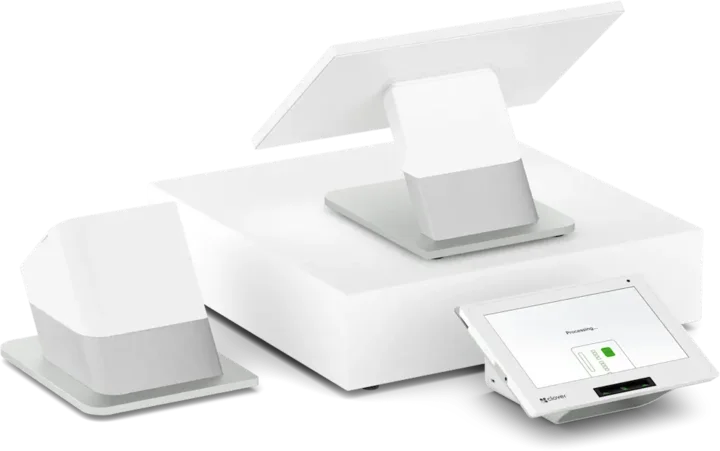
Clover
Clover, set up for how you sell.
From a pocket reader to a two-screen station, we match the Clover devices, software plan, and apps to your business, then set up the payments behind them.







Questions
POS and payments: common questions
Do you sell one POS brand or several?
Several. TrueTill is not tied to one POS brand, so we compare systems that fit your business instead of steering you to one.
Can I keep my existing hardware?
Sometimes. Printers, cash drawers, and scanners often work with a new system; card readers and terminals usually depend on the POS and processor. Tell us what you have and we will check it.
Can you help if I already have a POS?
Yes. We can keep your POS and change how payments run through it, connect it to other software, or move you to a new system, whichever fits.
Can I surcharge debit cards?
No. Under Visa's rules, debit and prepaid cards cannot be surcharged, even if the customer chooses "credit" on the terminal. Your POS or terminal has to tell credit and debit apart.
Find the POS that fits.
A free recommendation from a team that is not tied to one brand. Open 24 hours, 7 days.
Get started
Tell us how you sell today.
What you sell, how many stations you run, and what you use now. A TrueTill team member will follow up with options that fit.
- A team member follows up with you
- We confirm what fits before you sign anything
- Setup, payments, and support from one team
Rather talk now? We answer around the clock. (843) 296-2599
Form stuck or not loading? Open the form on its own page or call (843) 296-2599.