
Payment terminal
A simple countertop terminal for taking payments.
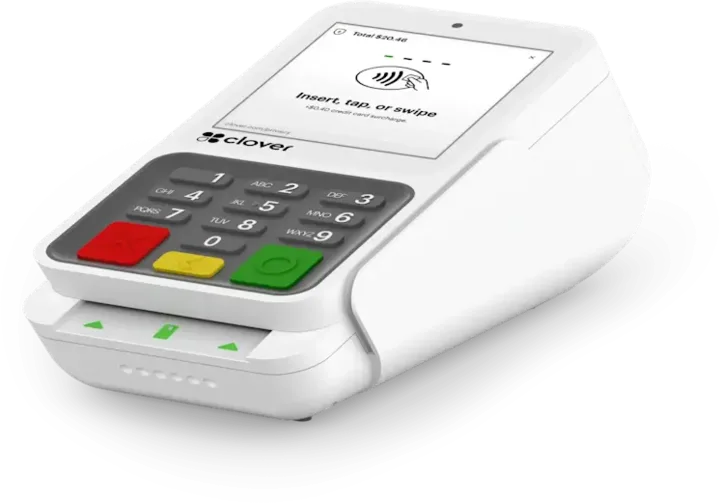
Compact is Clover's payment-only countertop terminal. It takes card, phone wallet, EBT, and gift card payments, prints receipts, and connects over Wi-Fi, Ethernet, or LTE, without the menus and inventory of a full POS.
Overview
What the Compact does.
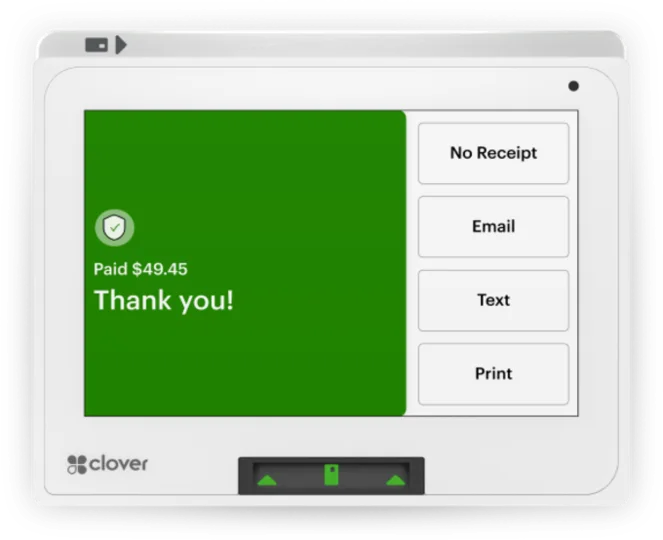
Compact is built for one job: taking payments at the counter. It accepts credit and debit cards by chip, swipe, or tap, debit with PIN, phone wallets such as Apple Pay, plus EBT and gift cards. The 3.6 inch touchscreen keeps the payment steps short, and a thermal printer built into the unit handles receipts.
Clover made the Compact to hold up on a busy counter. The screen uses chemically strengthened glass that resists scratches and fingerprints, the body is protected against splashes, and the terminal supports an anti-theft security lock. It connects over Wi-Fi, Ethernet, or LTE, and it ships with a SIM already installed, a charging adapter, and a quick start guide.
Compact is not a full POS. Clover says it does not handle menus, inventory, or order management, and it points businesses that need those to Station Solo, Station Duo, Mini, or Flex. Compact does support surcharging and cash discount programs, and Compact merchants can use Clover Dashboard features. A swivel stand and a PIN shield are available as add-ons.
Capabilities
What the Compact handles.
- Cards, wallets, EBT, gift cardsTake credit and debit by chip, swipe, or tap, debit with PIN, phone wallets, EBT, and gift cards on one terminal.Ask about this
- Easy for staffShort payment steps and a clear interface keep setup and training quick for new employees.Ask about this
- Built for the counterChemically strengthened glass, a screen that resists scratches and fingerprints, and splash protection help it last.Ask about this
- Surcharging and cash discountsCompact supports a surcharge program and discounts for customers who pay in cash.Ask about this
- Encrypted and lockableEnd-to-end encryption protects card data, and the terminal supports an anti-theft security lock.Ask about this
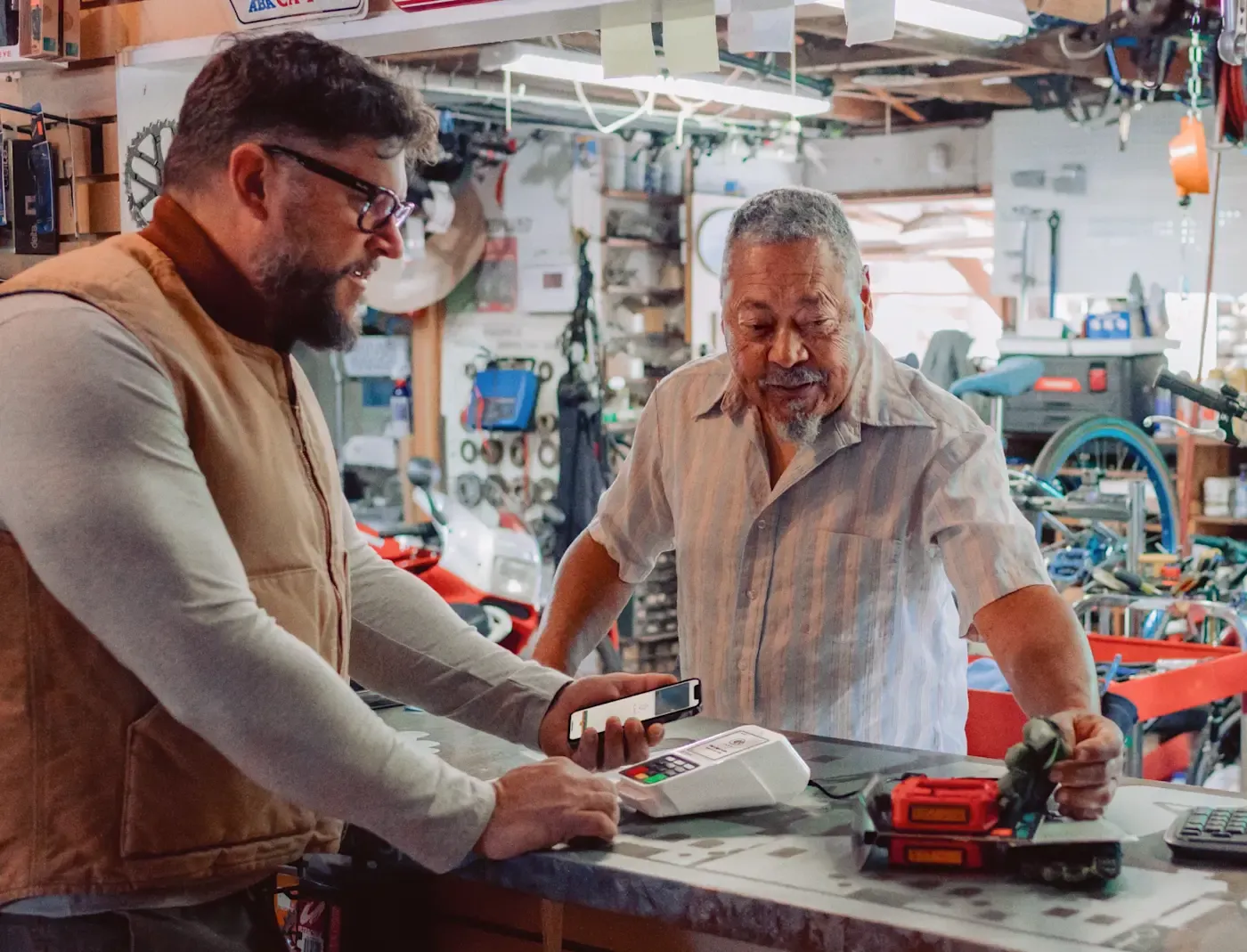
With TrueTill
One team from fit to go-live.
Required Clover plans or add-ons depend on the setup. We confirm them and quote current configurations before you buy.
- 01
Check the fit
We learn how you sell, then confirm whether the Compact is the right device or one of two or three that work together.
- 02
Set it up
We set up the Clover account, menu or catalog, staff, and payments, then test the device before you go live.
- 03
Stay supported
One TrueTill contact after launch for questions, changes, and adding devices as you grow.
Questions
Clover Compact: common questions
Is Clover Compact a full POS?
No. Compact handles payments, plus surcharging and cash discounts, but it does not do menu, inventory, or order management. For those, Clover points to Station Solo, Station Duo, Mini, or Flex.
Which businesses is Compact best for?
Clover names retail stores, quick-service restaurants, salons, medical providers, and professional and personal services: businesses that want a quick, simple card terminal.
What comes in the box with Compact?
The terminal, a quick start guide, a charging adapter, and a SIM card that is already installed. A swivel stand is available as an add-on.
The Clover family
Other Clover devices to pair with it.
Most businesses combine two or three. Each one opens its own page.
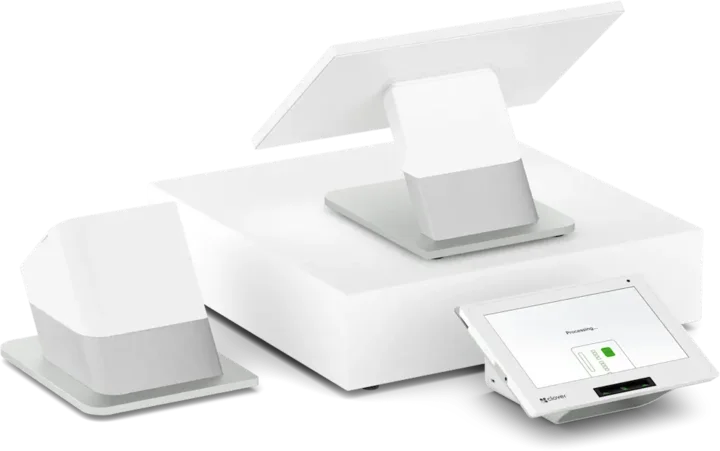 Countertop POSStation DuoCountertop POS with merchant and customer-facing screens.See the Station Duo
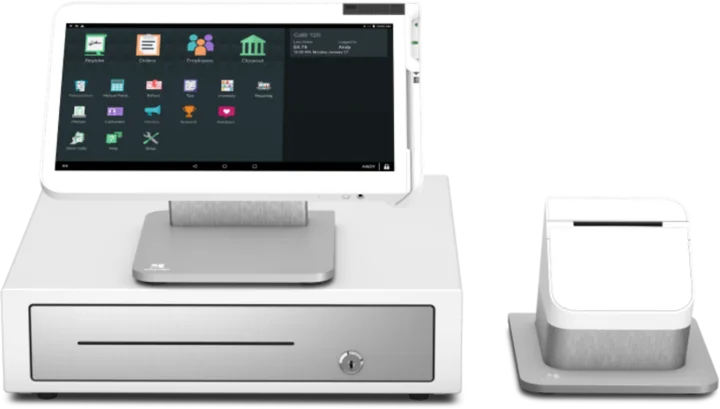 WorkstationStation SoloLarger workstation for checkout and order management.See the Station Solo
 Compact POSMiniCompact countertop point of sale.See the Mini
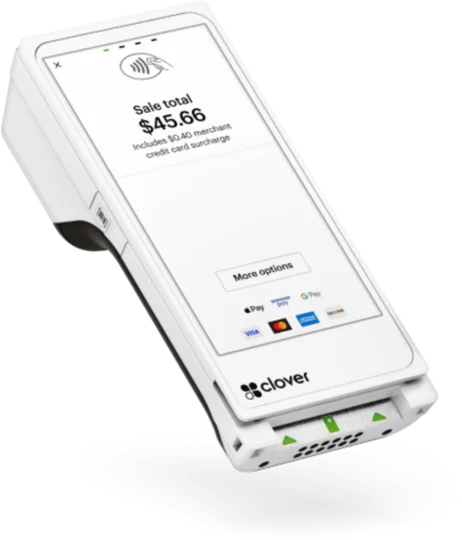 Handheld with printerFlexHandheld ordering and payments with a printer.See the Flex
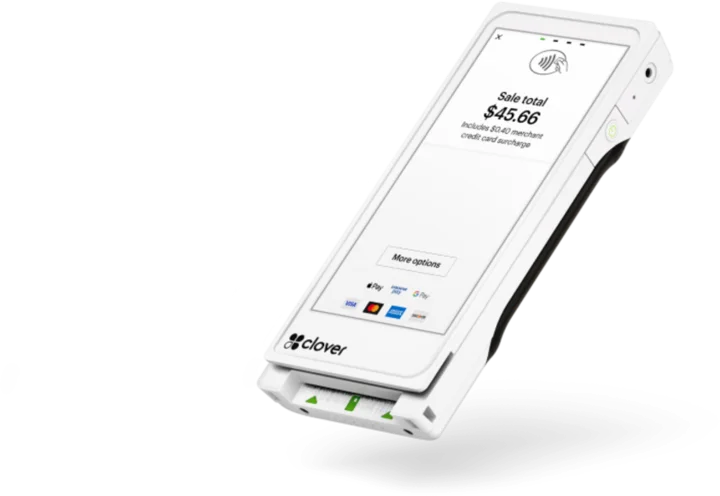 Pocket handheldFlex PocketPortable, printerless handheld POS.See the Flex Pocket
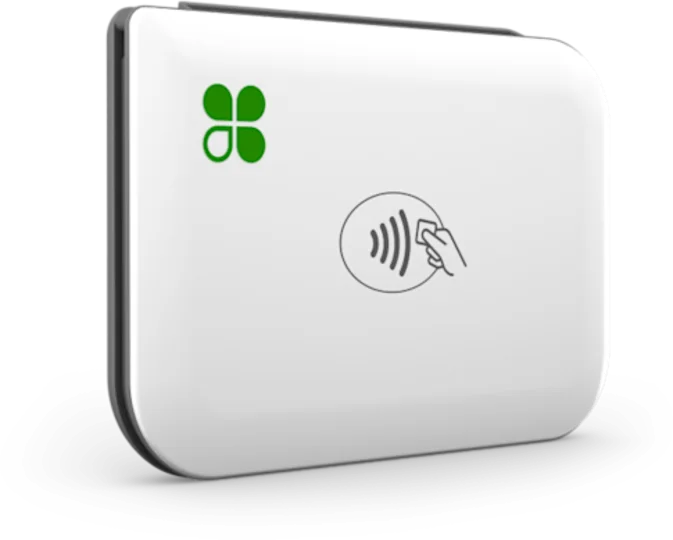 Mobile readerGoMobile reader paired with a phone.See the Go
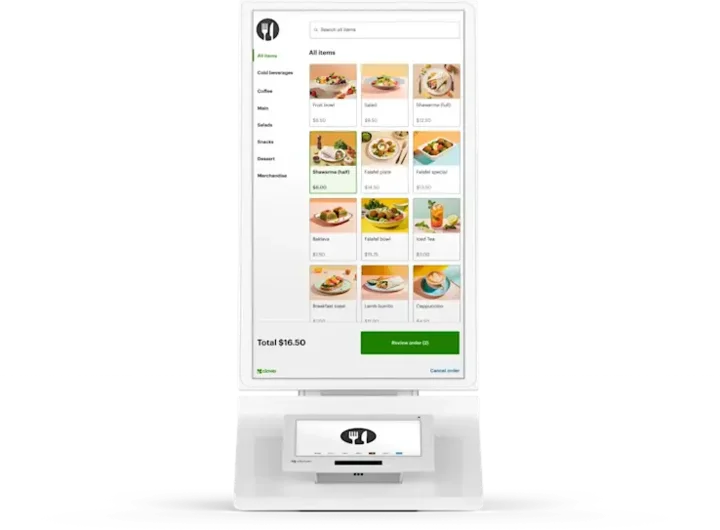 Self-order kioskKioskCustomer self-ordering.See the Kiosk
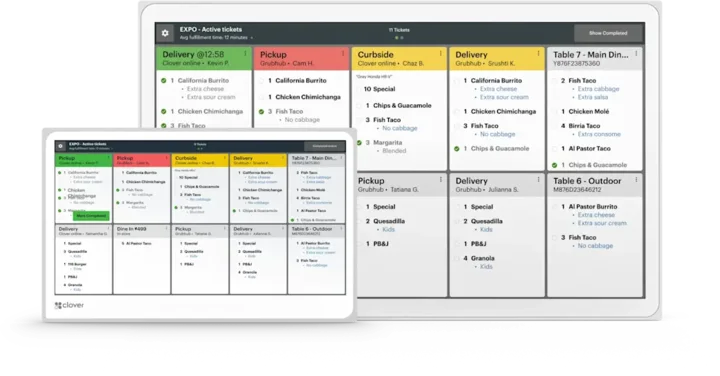 Kitchen displayKitchen Display SystemKitchen order visibility and coordination.See the Kitchen Display System
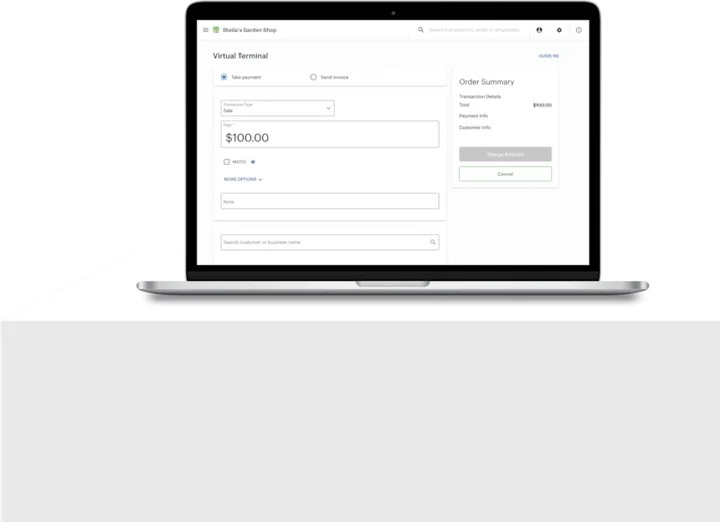 No POS hardwareAccount only and Virtual TerminalBrowser-based workflows without a full POS hardware setup.See the Account only and Virtual Terminal
Clover is a product of its own company, and the images are Clover's own. This page is TrueTill's summary of Clover's public product information. Features and availability can change, so we confirm them before you buy.
Is the Compact right for you?
A free recommendation from a team that is not tied to one brand. Open 24 hours, 7 days.
Get started
Ask about the Compact.
Tell us how you sell and how many stations you need. We will confirm whether the Compact fits and quote the setup.
- A team member follows up with you
- We confirm what fits before you sign anything
- Setup, payments, and support from one team
Rather talk now? We answer around the clock. (843) 296-2599
Form stuck or not loading? Open the form on its own page or call (843) 296-2599.