
Compact POS
A full POS that fits on a small counter.
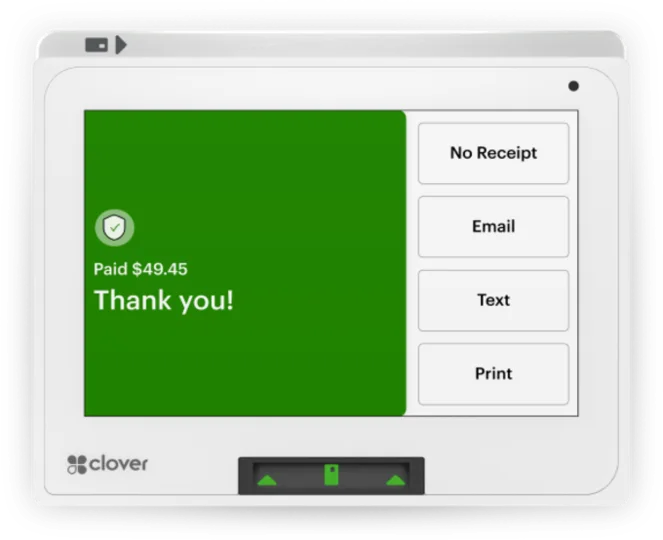
Mini packs a complete Clover point of sale into one small unit with an 8 inch touch screen, a built-in receipt printer, and a card reader that faces the customer.
Overview
What the Mini does.
Mini is Clover's small countertop system. It runs the full Clover software on an 8 inch touch screen, so staff can confirm orders, take payments, and handle the day's work without a separate register. The card slot and contactless reader sit on the front, where customers can reach them.
Receipts print from the built-in thermal printer, or you can send them by email or text. Mini connects over Ethernet, Wi-Fi, or LTE cellular through an optional service plan. A cash drawer is an optional add-on, and external printers, including kitchen printers, can be connected too.
Clover offers Mini setups for retail and service businesses and for restaurants, from quick service and full service to food trucks. Because it works with the other Clover devices and with accessories, a business can start with one Mini and build out a larger system later.
Capabilities
What the Mini handles.
- 8 inch touch screenThe larger screen on the current Mini gives room to confirm orders, take payments, and manage the business from the counter.Ask about this
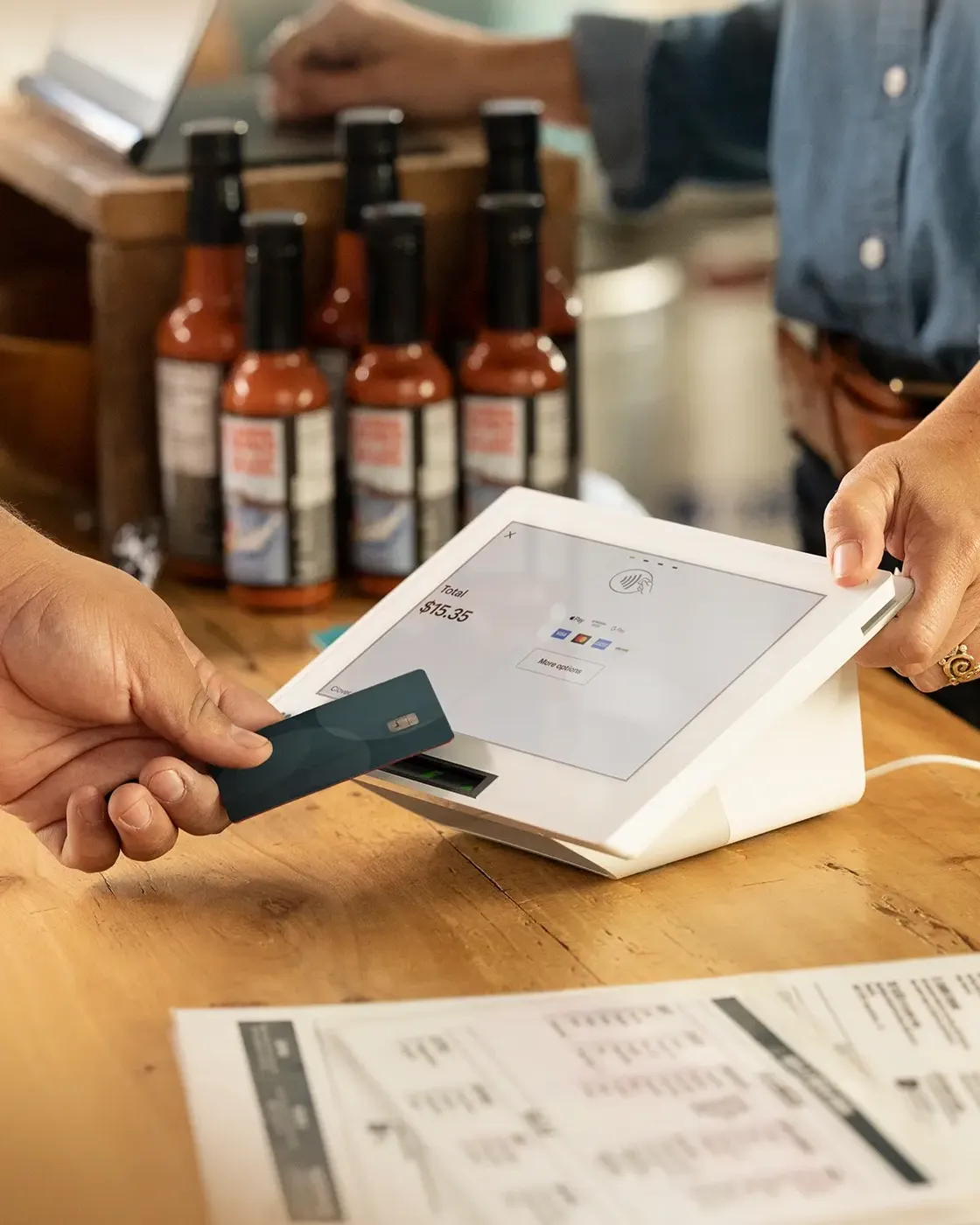
- Reader that faces the customerCustomers dip, swipe, or tap with a card or a phone wallet such as Apple Pay or Google Pay at the front of the device.Ask about this
- Printed or digital receiptsPrint a receipt on the built-in printer, or send it by email or text when the customer prefers.Ask about this
- Inventory your waySort items by category and label, and add modifiers and variants so your menu or catalog stays organized.Ask about this
- Sales as they happenWatch hourly sales, top sellers, and refund and discount totals in real time, from anywhere.Ask about this
- Apps for the back officeConnect Clover apps such as QuickBooks for accounting, BigCommerce for online sales, and Homebase for staff scheduling.Ask about this

With TrueTill
One team from fit to go-live.
Required Clover plans or add-ons depend on the setup. We confirm them and quote current configurations before you buy.
- 01
Check the fit
We learn how you sell, then confirm whether the Mini is the right device or one of two or three that work together.
- 02
Set it up
We set up the Clover account, menu or catalog, staff, and payments, then test the device before you go live.
- 03
Stay supported
One TrueTill contact after launch for questions, changes, and adding devices as you grow.
Questions
Clover Mini: common questions
Can Clover Mini use a cash drawer?
Yes. Mini connects to a cash drawer. The drawer is an optional add-on rather than part of the base unit.
Does Mini need Wi-Fi?
No. It can connect by Ethernet, Wi-Fi, or LTE cellular. Cellular runs through an optional service plan from the Wireless Manager app in the Clover App Market or through another LTE network.
Can Mini print to a kitchen printer?
Yes. Besides its built-in receipt printer, Mini works with external printers. Clover lists supported label, receipt, and impact kitchen printers from Epson and Star.
The Clover family
Other Clover devices to pair with it.
Most businesses combine two or three. Each one opens its own page.
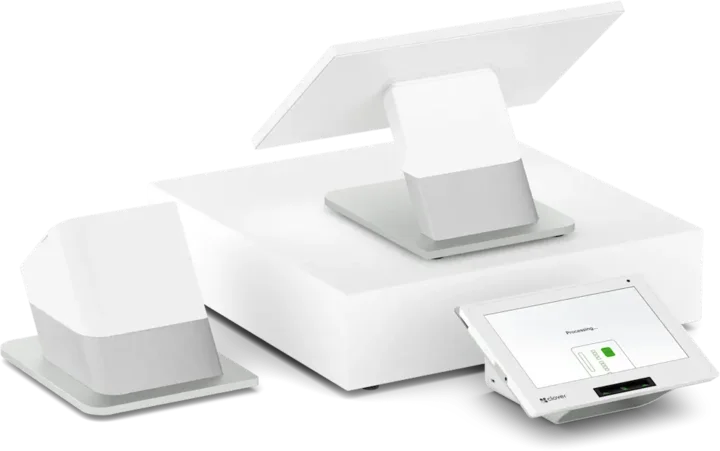 Countertop POSStation DuoCountertop POS with merchant and customer-facing screens.See the Station Duo
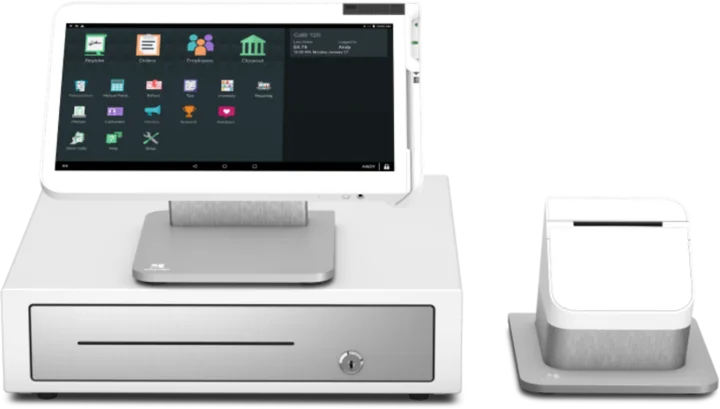 WorkstationStation SoloLarger workstation for checkout and order management.See the Station Solo
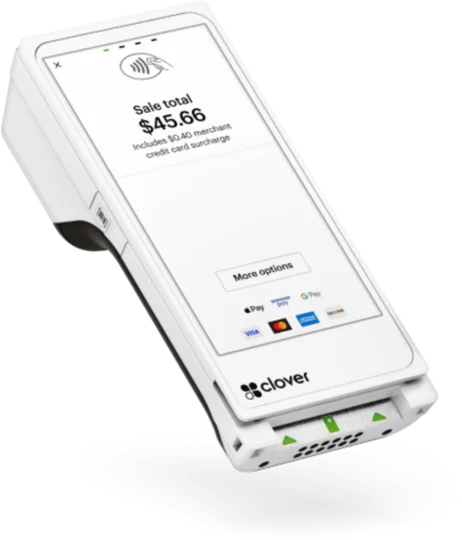 Handheld with printerFlexHandheld ordering and payments with a printer.See the Flex
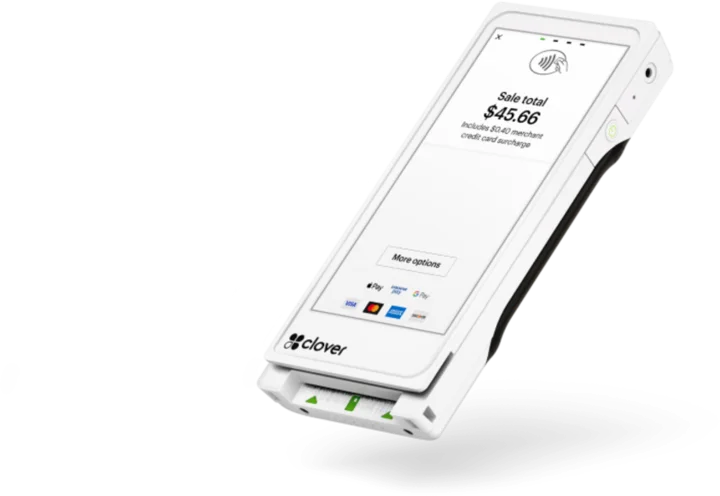 Pocket handheldFlex PocketPortable, printerless handheld POS.See the Flex Pocket
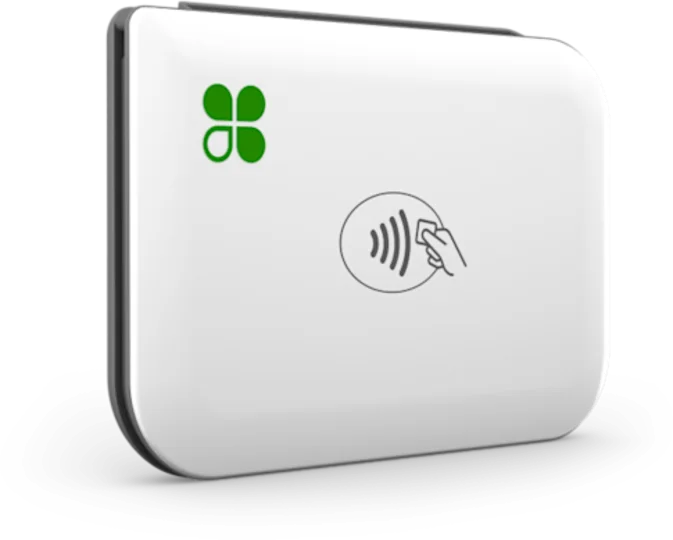 Mobile readerGoMobile reader paired with a phone.See the Go
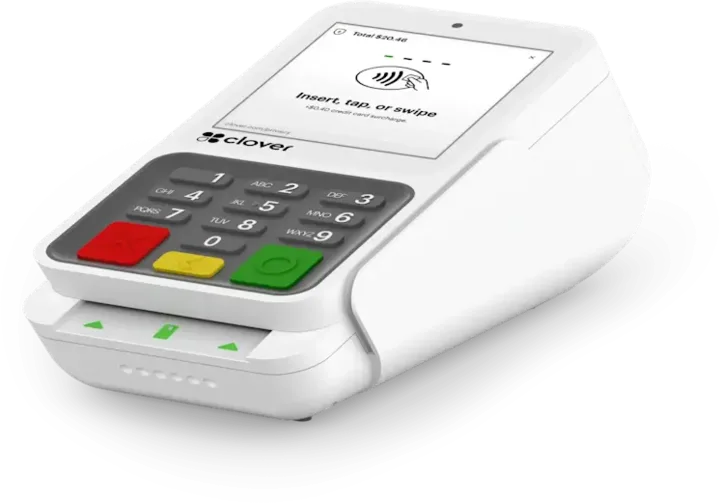 Payment terminalCompactCountertop payment terminal.See the Compact
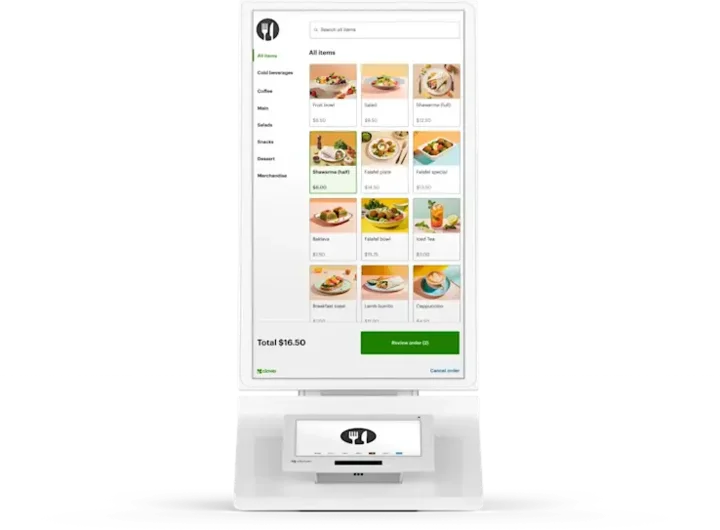 Self-order kioskKioskCustomer self-ordering.See the Kiosk
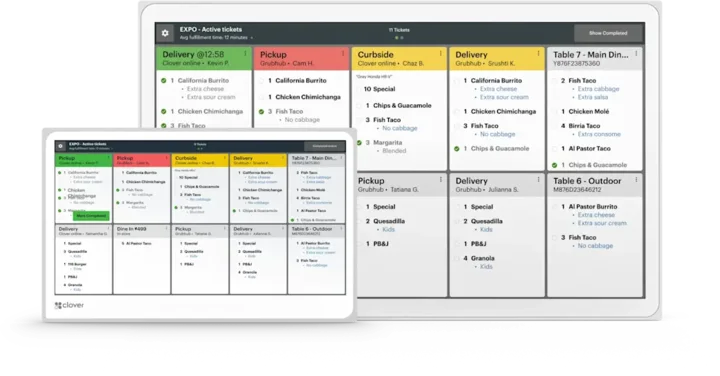 Kitchen displayKitchen Display SystemKitchen order visibility and coordination.See the Kitchen Display System
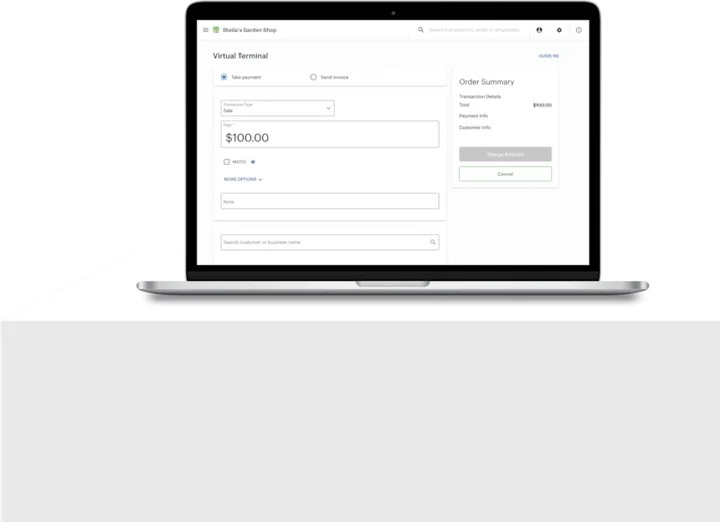 No POS hardwareAccount only and Virtual TerminalBrowser-based workflows without a full POS hardware setup.See the Account only and Virtual Terminal
Clover is a product of its own company, and the images are Clover's own. This page is TrueTill's summary of Clover's public product information. Features and availability can change, so we confirm them before you buy.
Is the Mini right for you?
A free recommendation from a team that is not tied to one brand. Open 24 hours, 7 days.
Get started
Ask about the Mini.
Tell us how you sell and how many stations you need. We will confirm whether the Mini fits and quote the setup.
- A team member follows up with you
- We confirm what fits before you sign anything
- Setup, payments, and support from one team
Rather talk now? We answer around the clock. (843) 296-2599
Form stuck or not loading? Open the form on its own page or call (843) 296-2599.