
Liquor and beverage retail
A liquor store POS built by liquor store owners.
Cheers POS is a cloud point-of-sale system made only for wine and liquor stores, covering sales, inventory, purchase orders, distributor ordering, loyalty, gift cards, and online orders.
Overview
What Cheers POS does.
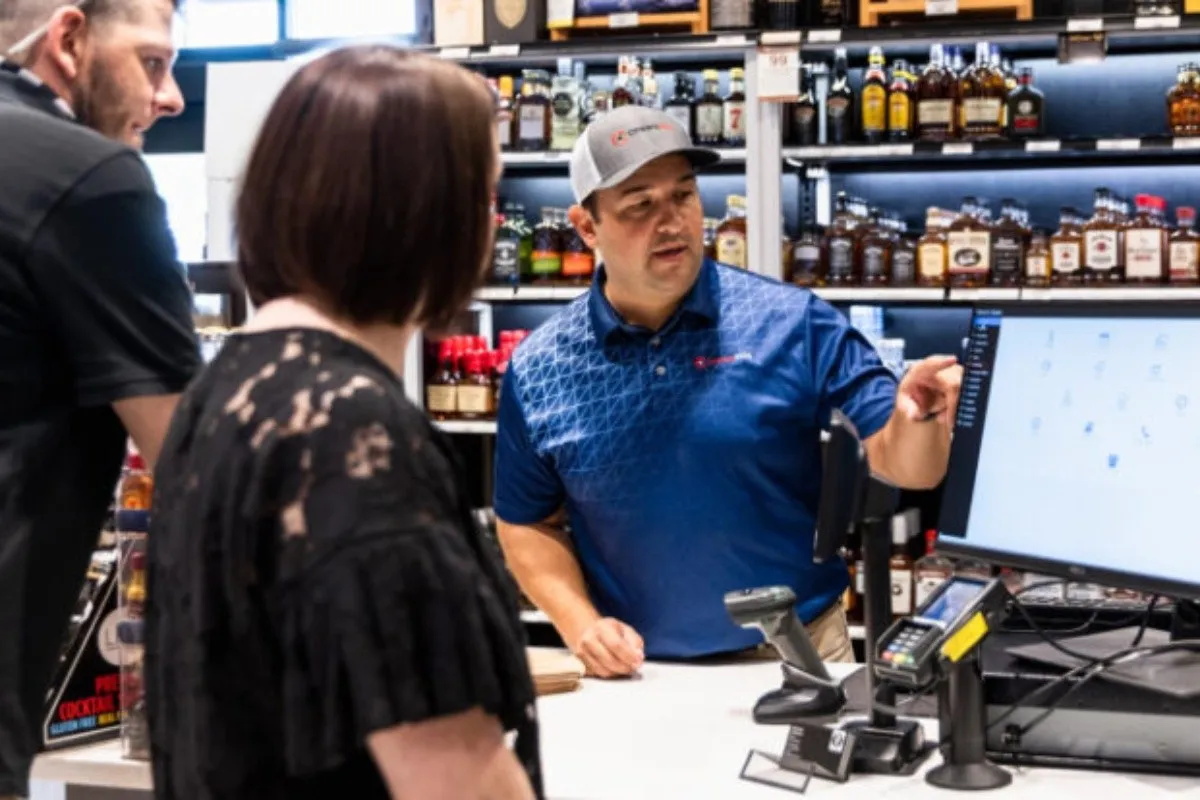
Cheers POS was started by two liquor store owners from the Midwest who wanted a system that fit how their own stores ran. The result is a cloud point-of-sale platform made just for wine and liquor retail, covering checkout, inventory, purchase orders, payroll, and reporting, and it works on computers, tablets, and phones.
Inventory updates from every sale, return, and damaged item, and reports show margins, markups, total inventory value, and losses. Purchase orders can be built while looking at each product's sales history, then flow into invoicing to be reconciled. Cheers also shows direct pricing from some distributors and can send purchase orders to them electronically. Keg tracking and wholesale management are included.
Cheers links to Shopify and QuickBooks Online, and it supports gift cards, a customer loyalty program, dual pricing, and online orders for in-store pickup. Its team installs the system on site, migrates your data, trains staff, and supports you after launch by phone, tickets, and in-app help.
Capabilities
What Cheers POS handles.
- Inventory managementStock updates from sales, returns, and damages, with reports on margins, markups, inventory value, and losses.Ask about this
- Purchase ordersBuild orders while viewing each item's sales history, then move them into invoicing to reconcile when the delivery arrives.Ask about this
- Distributor integrationsSee direct pricing from some distributors and send purchase orders electronically to the distributors that are connected.Ask about this
- Integrated card processingTake chip, tap, mobile wallet, swipe, cash, check, and gift card payments, and split one sale across payment types.Ask about this
- Loyalty, gift cards, and online ordersReward regulars, sell gift cards, and take online orders that customers pick up in the store.Ask about this
- Shopify and QuickBooksSync online selling through Shopify and your books through QuickBooks Online, so your records line up.Ask about this
With TrueTill
One team from fit to go-live.
- 01
Check the fit
We learn how you work, then confirm Cheers POS fits your business, your devices, and the software you already use.
- 02
Set it up
We coordinate the Cheers POS setup with the payments behind it, so the system and the processing go live together.
- 03
Stay supported
One TrueTill contact for questions after launch, from training to changes as your business grows.
Questions
Cheers POS: common questions
Does Cheers POS install the system for me?
Yes. Cheers installs on site and trains your staff. You can also buy your own hardware from its recommended list, and the team will still train you.
Which accounting and online tools does it connect with?
Cheers names Shopify and QuickBooks Online as integrations, and its onboarding covers setting up those connections.
Cheers POS is a product of its own company. This page is TrueTill's summary of Cheers POS's public materials, reviewed November 16, 2026; images are Cheers POS's own. Features and availability can change, so we confirm them before you sign. Sources: cheerspos.com, cheerspos.com, cheerspos.com, cheerspos.com, cheerspos.com, cheerspos.com, cheerspos.com, cheerspos.com.
Get started
Ask about Cheers POS.
Tell us how you run your business. We will confirm whether Cheers POS fits and set it up with the payments behind it.
- A team member follows up with you
- We confirm what fits before you sign anything
- Setup, payments, and support from one team
Rather talk now? We answer around the clock. (843) 296-2599
Form stuck or not loading? Open the form on its own page or call (843) 296-2599.