
Handheld with printer
A full POS you can carry to the table.
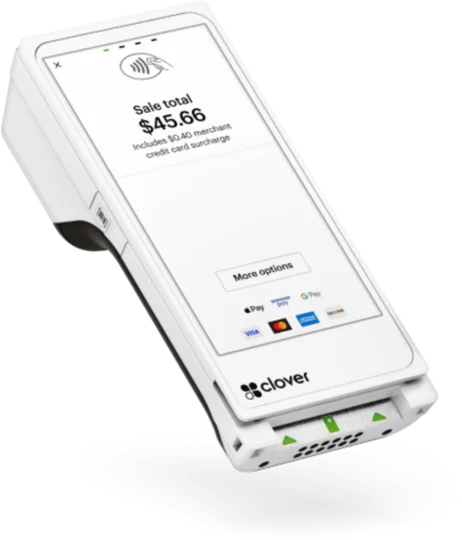
Flex is a handheld Clover POS with a touch screen of nearly 6 inches, a built-in receipt printer, and a barcode scanner. Use it tableside, on the sales floor, at the counter, or at a pop-up.
Overview
What the Flex does.
Flex is Clover's handheld point of sale with a receipt printer built in. It has a touch screen of nearly 6 inches and a camera that reads 1D and 2D barcodes, so one device can take an order at the table, look up and scan items, and collect payment on the spot.
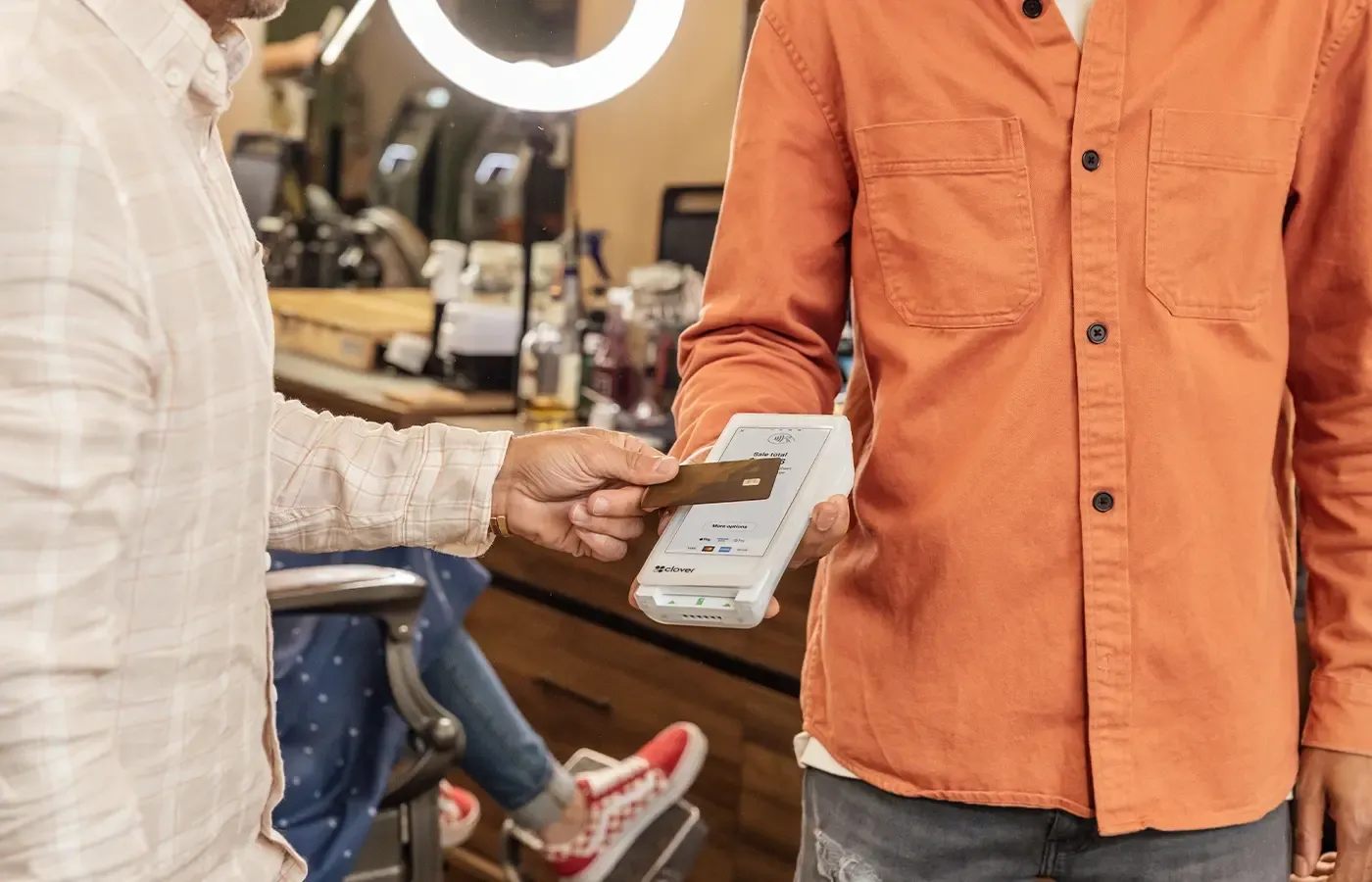
Customers can swipe, dip, or tap, including Apple Pay, Google Pay, and Samsung Pay. Flex runs on Wi-Fi or LTE, and Clover says the battery lasts at least 8 hours in typical small business use. Receipts print right from the device, or you can email or text them.
Flex can run a whole business alone or join a larger Clover setup. A payment taken on Flex shows up right away on the other Clover devices in the same system, so the counter and the floor see the same sales. In the box you get the handheld in a silicone sleeve, a charging cradle, a power cord and power brick, a roll of receipt paper, a quick start guide, and an optional aid for PIN entry.
Capabilities
What the Flex handles.
- Built-in printerPrint receipts and bills right at the table or the counter, or email and text them instead.Ask about this
- Tap, dip, or swipe anywhereTake card and phone wallet payments at the table, on the floor, or at a pop-up booth.Ask about this
- Scanner for items and stockThe camera reads 1D and 2D barcodes, so you can ring up items and keep inventory current from the floor.Ask about this
- Works alone or with othersRun the whole business on Flex, or pair it with countertop Clover devices so every payment syncs across them in real time.Ask about this
- Team and sales trackingCheck sales from a computer or phone, run employee reports, and manage schedules, timesheets, and permissions.Ask about this
- Quick to learnFlex needs little setup and training, so staff can start taking orders soon after it arrives.Ask about this

With TrueTill
One team from fit to go-live.
Required Clover plans or add-ons depend on the setup. We confirm them and quote current configurations before you buy.
- 01
Check the fit
We learn how you sell, then confirm whether the Flex is the right device or one of two or three that work together.
- 02
Set it up
We set up the Clover account, menu or catalog, staff, and payments, then test the device before you go live.
- 03
Stay supported
One TrueTill contact after launch for questions, changes, and adding devices as you grow.
Questions
Clover Flex: common questions
What comes with Clover Flex?
The handheld in a protective silicone sleeve, a charging cradle, a power cord and power brick, a roll of receipt paper, a quick start guide, and an optional aid for PIN entry.
What is the difference between Flex and Flex Pocket?
Flex has a built-in receipt printer and charges in a cradle. Flex Pocket drops the printer, sends digital receipts only, charges by USB-C, and is lighter.
Will a sale on Flex show up on my counter device?
Yes. When Flex is set up in the same system as your other Clover devices, transactions sync between them in real time.
The Clover family
Other Clover devices to pair with it.
Most businesses combine two or three. Each one opens its own page.
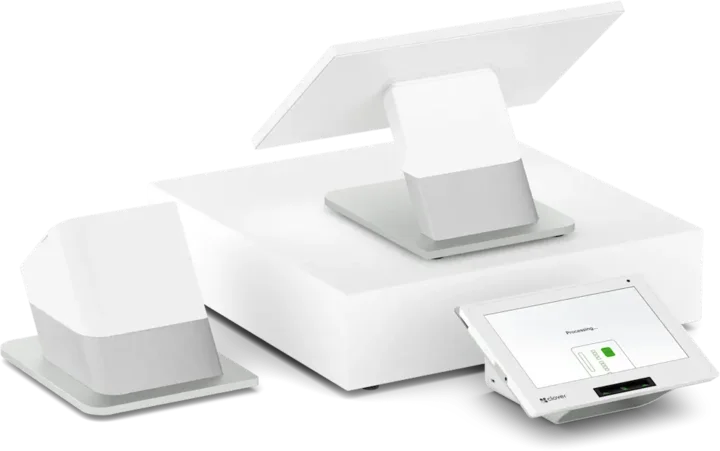 Countertop POSStation DuoCountertop POS with merchant and customer-facing screens.See the Station Duo
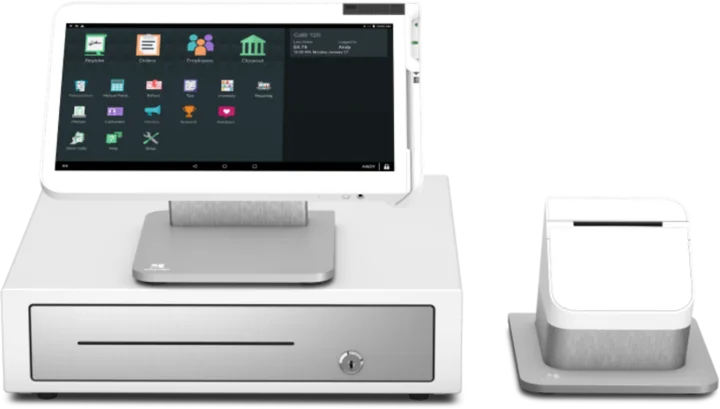 WorkstationStation SoloLarger workstation for checkout and order management.See the Station Solo
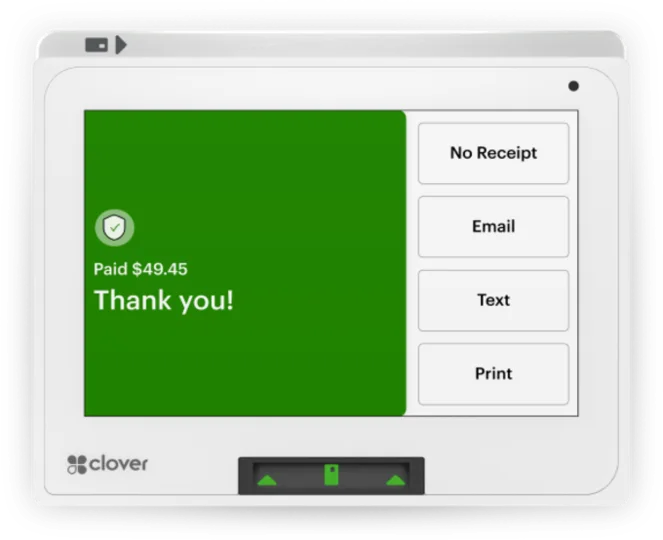 Compact POSMiniCompact countertop point of sale.See the Mini
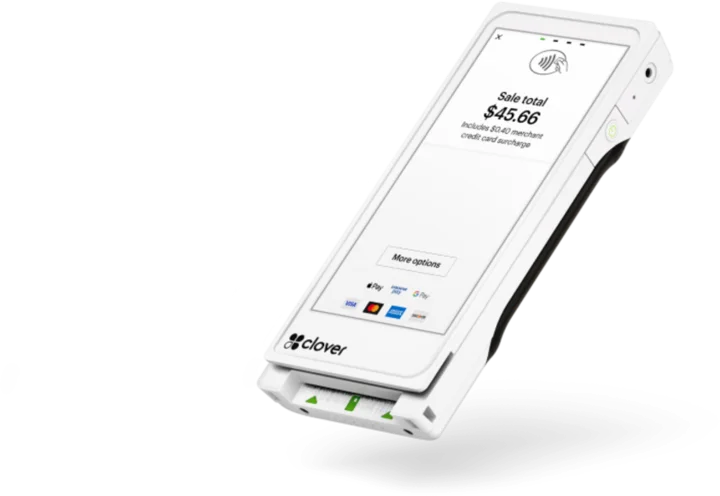 Pocket handheldFlex PocketPortable, printerless handheld POS.See the Flex Pocket
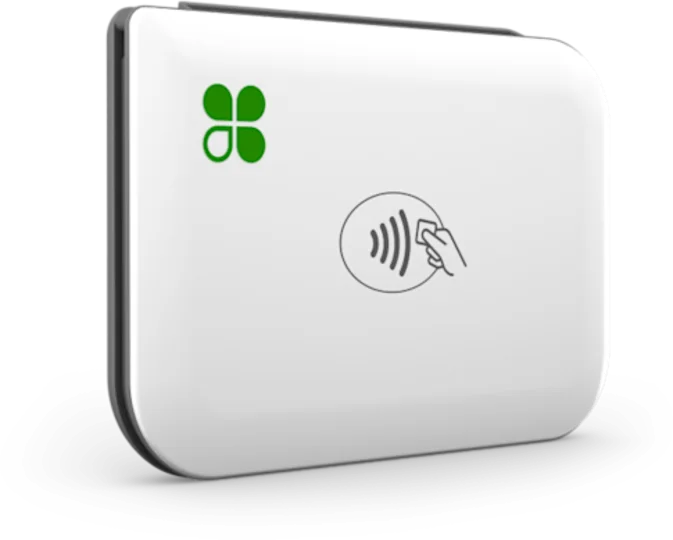 Mobile readerGoMobile reader paired with a phone.See the Go
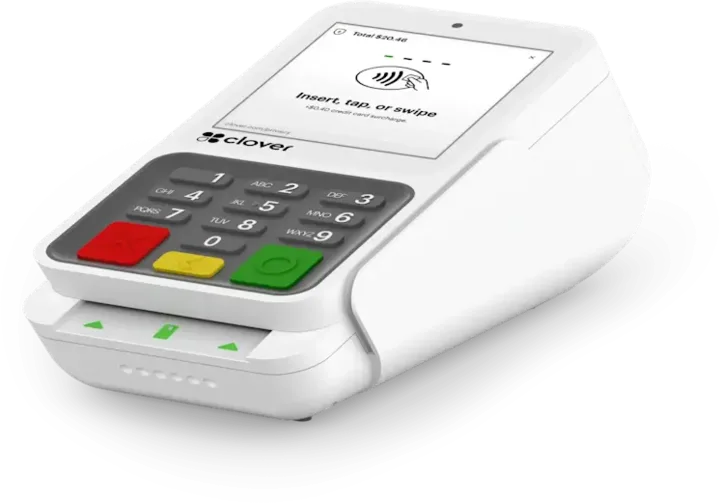 Payment terminalCompactCountertop payment terminal.See the Compact
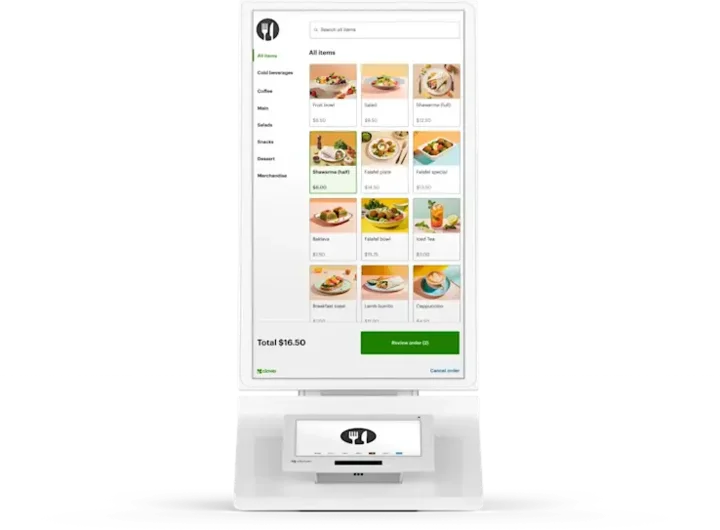 Self-order kioskKioskCustomer self-ordering.See the Kiosk
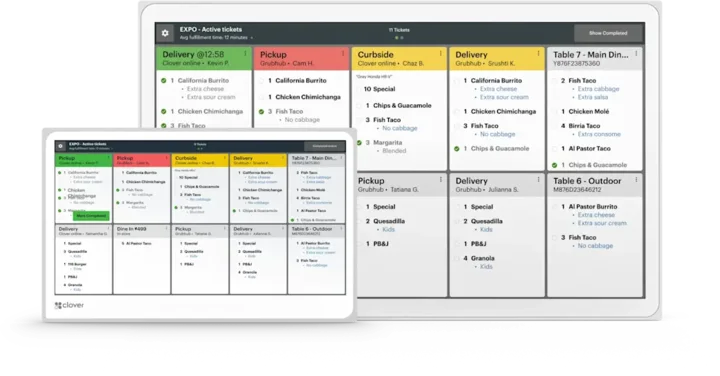 Kitchen displayKitchen Display SystemKitchen order visibility and coordination.See the Kitchen Display System
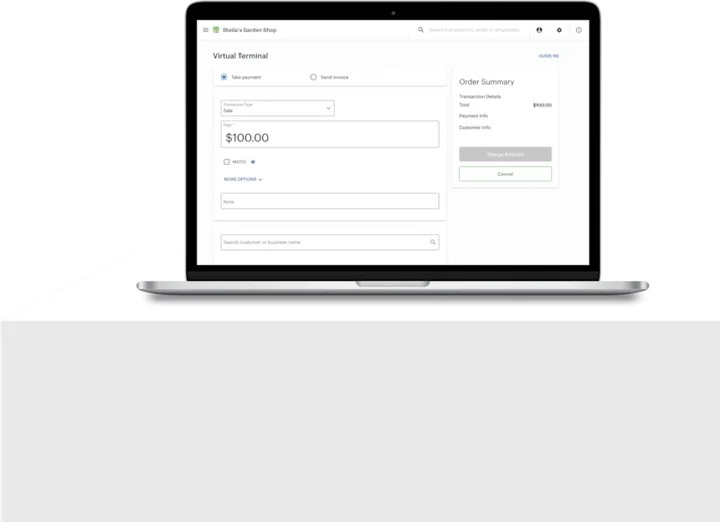 No POS hardwareAccount only and Virtual TerminalBrowser-based workflows without a full POS hardware setup.See the Account only and Virtual Terminal
Clover is a product of its own company, and the images are Clover's own. This page is TrueTill's summary of Clover's public product information. Features and availability can change, so we confirm them before you buy.
Is the Flex right for you?
A free recommendation from a team that is not tied to one brand. Open 24 hours, 7 days.
Get started
Ask about the Flex.
Tell us how you sell and how many stations you need. We will confirm whether the Flex fits and quote the setup.
- A team member follows up with you
- We confirm what fits before you sign anything
- Setup, payments, and support from one team
Rather talk now? We answer around the clock. (843) 296-2599
Form stuck or not loading? Open the form on its own page or call (843) 296-2599.