
Industries
POS and payments for retail and specialty stores
Track inventory with every sale, run more than one store from one system, and check customers out fast. TrueTill compares Clover and specialist retail systems against how your store sells.
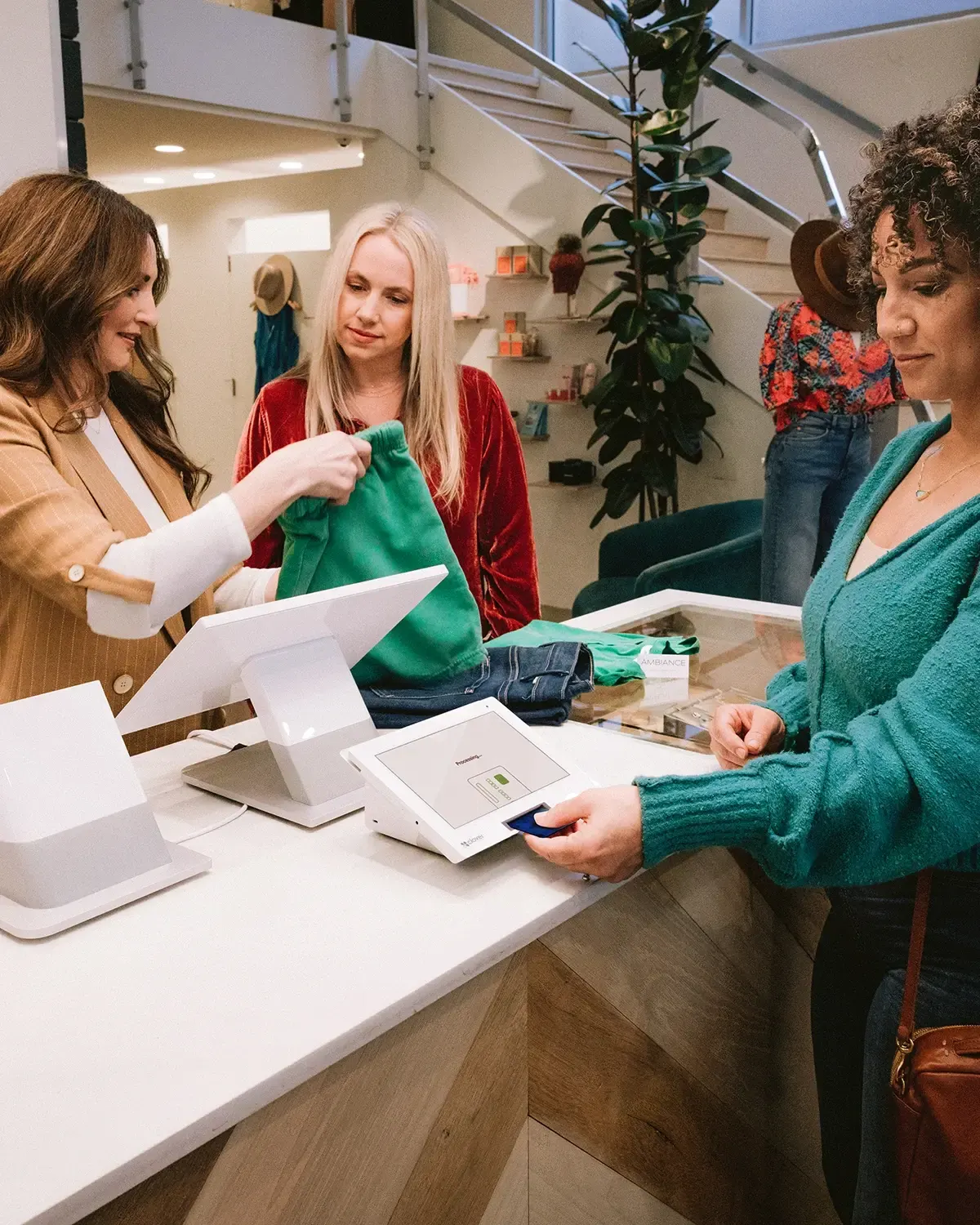
Problems solved
What the right setup fixes.
- Stock counts never matchWhen sales and inventory live in different places, the shelf and the system drift apart. A POS that updates inventory with each sale keeps counts current.Ask about this
- Each location runs differentlyMore than one store often means separate price lists and separate reports. Multi-location retail systems keep products, pricing, and reporting in one place.Ask about this
- Large catalogs slow checkoutLooking up items by hand holds up the line. Barcode scanning and a well-built product catalog keep checkout moving.Ask about this
- Reports arrive too lateNumbers pulled into a spreadsheet at the end of the week come too late to act on. Reporting built into the POS shows what sold and what to reorder.Ask about this
Key workflows
What your system should handle.
- Barcode scanning and fast checkout
- Inventory tracking and reordering
- Products, pricing, and reports across stores
- Returns and exchanges
- Customer profiles and loyalty
- Sales and inventory reports
Payments
How your customers pay.
- Chip, contactless, and phone wallet payments
- Online checkout and payment links
- Mobile payments on the sales floor
- Gift cards
Clover hardware
Devices that fit retail and specialty stores.
Required software plans or add-ons depend on the setup. We confirm them before you buy.
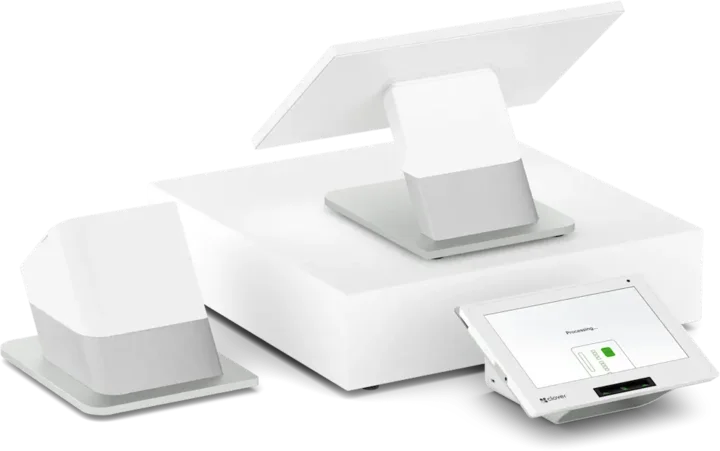 Countertop POSStation DuoCountertop POS with merchant and customer-facing screens.See the Station Duo
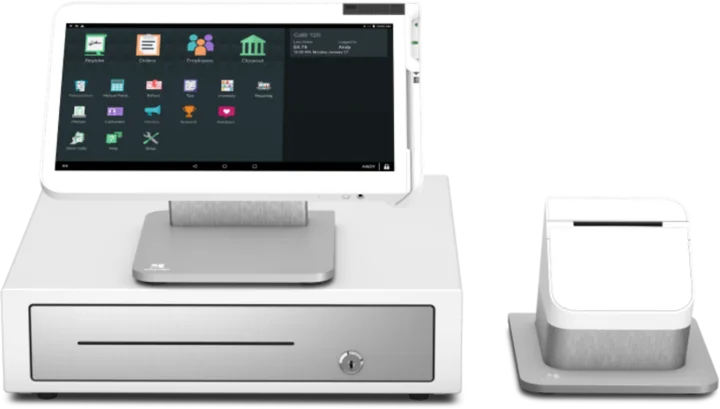 WorkstationStation SoloLarger workstation for checkout and order management.See the Station Solo
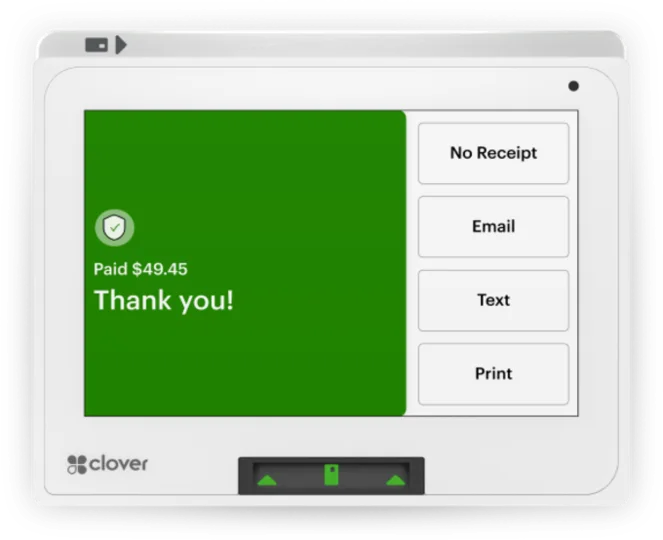 Compact POSMiniCompact countertop point of sale.See the Mini
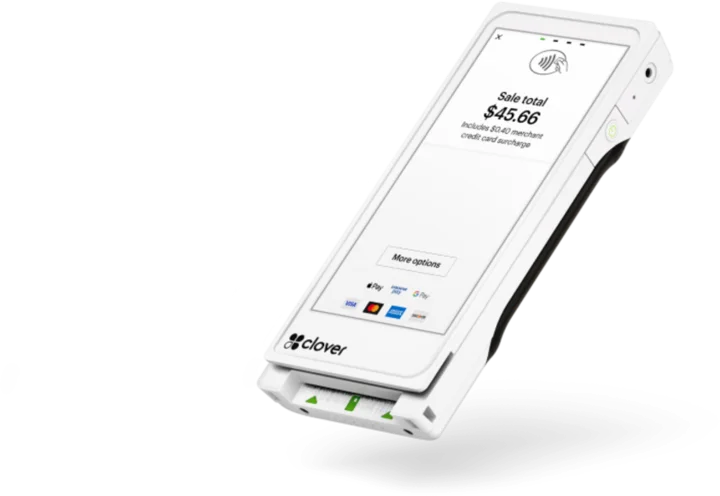 Pocket handheldFlex PocketPortable, printerless handheld POS.See the Flex Pocket
Solutions
Software and partners for retail and specialty stores.
Compatibility varies by product: not every partner runs on Clover or supports every gateway. Each listing says what it works with.
- CloverPOS platform and device ecosystem
A POS ecosystem for retail, restaurants, and service businesses, with product suites for eCommerce, kiosks, kitchen displays, and field services.
- Alice POSRetail POS for single and multi-store shops
A retail point-of-sale system for single-store and multi-store retail businesses.
- VelaPOSHybrid cloud retail POS
A hybrid cloud point-of-sale system for retailers.
- KORONA POSRetail POS with inventory and reporting
A retail point-of-sale system for inventory management, reporting, and multi-location retail operations, including liquor and beverage stores.
- FTXPOSPOS for convenience and specialty retail
All-in-one software and retail POS systems for convenience stores, tobacco, liquor, vape shops, pet stores, and other specialty retail.
Questions
Retail and specialty stores: questions owners ask
Can one POS handle more than one store?
Yes, several retail systems are built for it, including Alice POS and KORONA POS. What each covers depends on the system and plan, so we match it to how your stores share products and stock.
Can I import my product catalog?
Usually. Most retail systems accept a spreadsheet import, though what carries over depends on the old and new systems.
Is Clover right for my store?
It can be. Clover covers retail checkout and inventory, and specialist systems such as FTXPOS focus on store types like convenience, tobacco, vape, and pet stores. We compare them against how your store sells.
The right setup for retail and specialty stores.
A free recommendation from a team that is not tied to one brand. Open 24 hours, 7 days.
Get started
Request a demo for retail and specialty stores.
Tell us how you run your business today. We will show you the setup that fits and coordinate everything it takes to go live.
- A team member follows up with you
- We confirm what fits before you sign anything
- Setup, payments, and support from one team
Rather talk now? We answer around the clock. (843) 296-2599
Form stuck or not loading? Open the form on its own page or call (843) 296-2599.