
Clover
Clover, set up for how you sell.
From a pocket reader to a two-screen station, TrueTill matches the Clover devices, software plan, and apps to your business, then sets up the payments behind them.
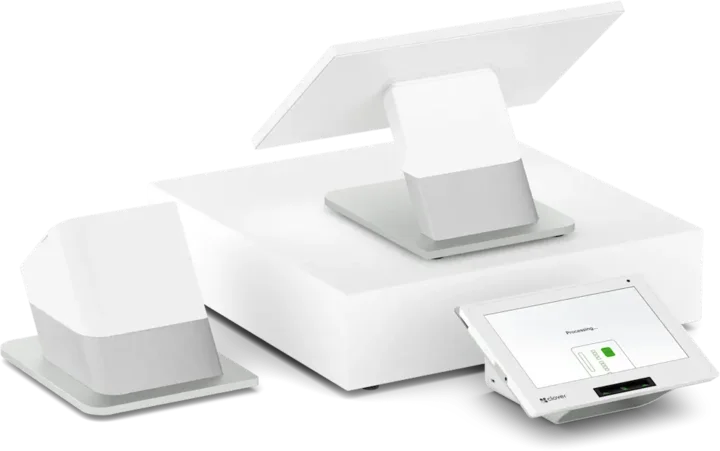
The Clover family
Every Clover device, one team to set it up.
Countertop, handheld, self-order, kitchen, and browser-based options. Most businesses combine two or three. Each one opens its own page.
- Countertop POSStation DuoCountertop POS with merchant and customer-facing screens.See the Station Duo
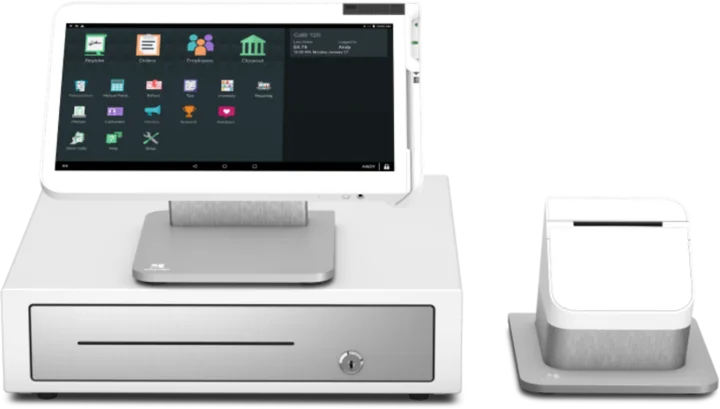 WorkstationStation SoloLarger workstation for checkout and order management.See the Station Solo
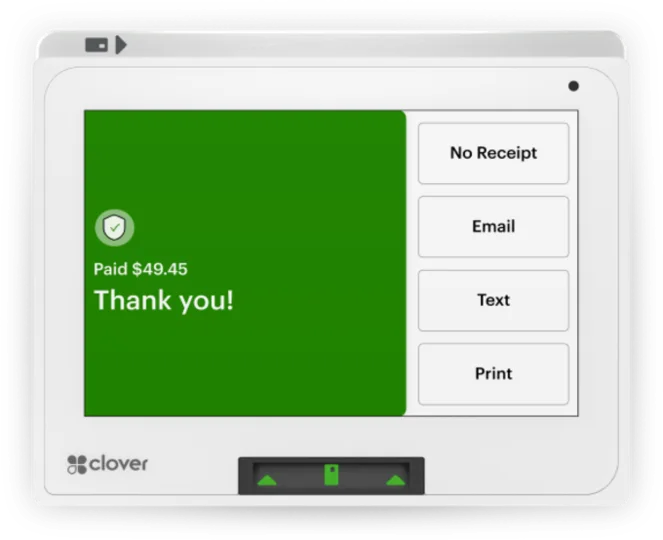 Compact POSMiniCompact countertop point of sale.See the Mini
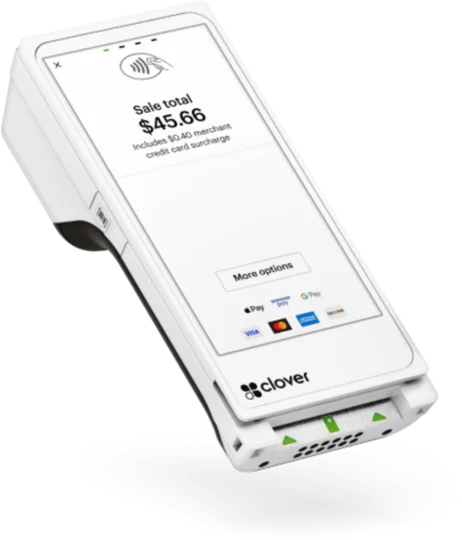 Handheld with printerFlexHandheld ordering and payments with a printer.See the Flex
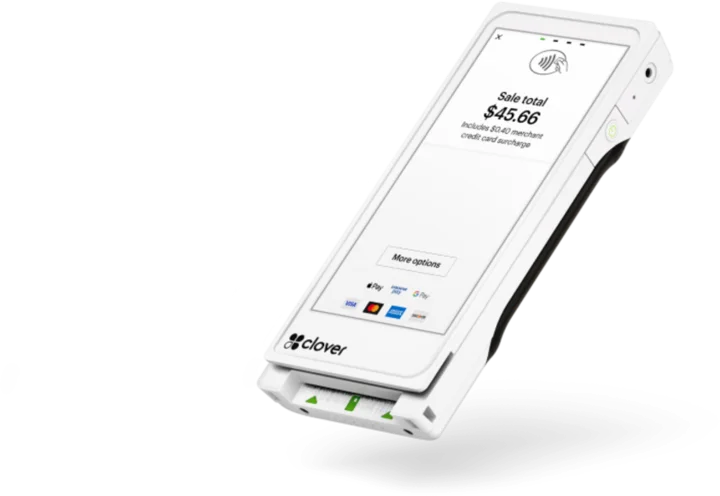 Pocket handheldFlex PocketPortable, printerless handheld POS.See the Flex Pocket
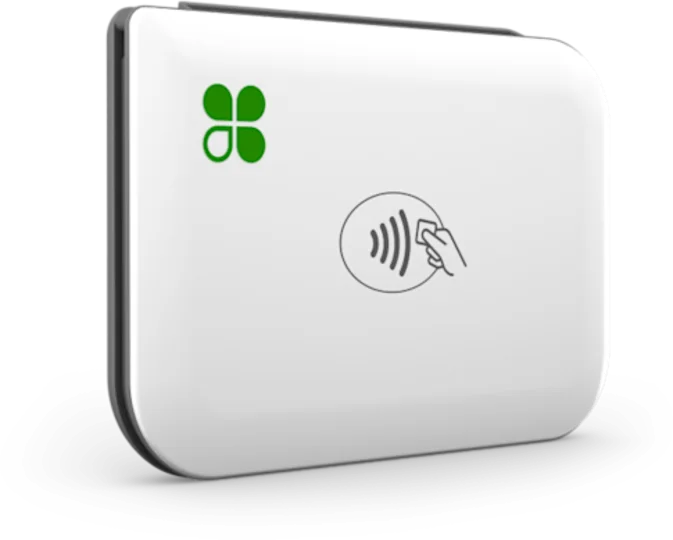 Mobile readerGoMobile reader paired with a phone.See the Go
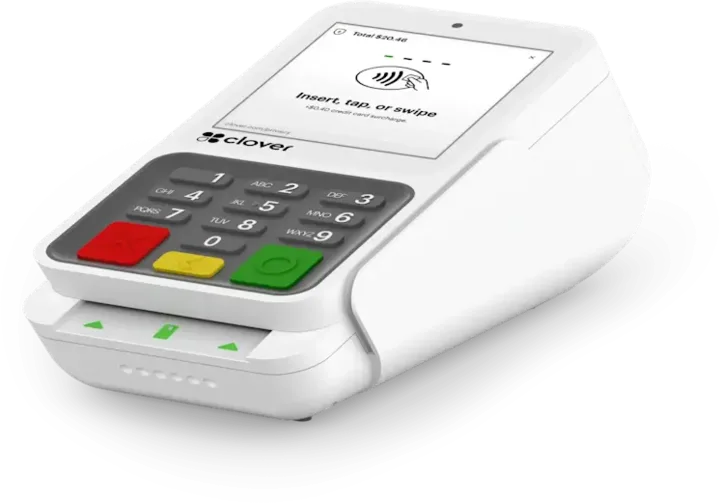 Payment terminalCompactCountertop payment terminal.See the Compact
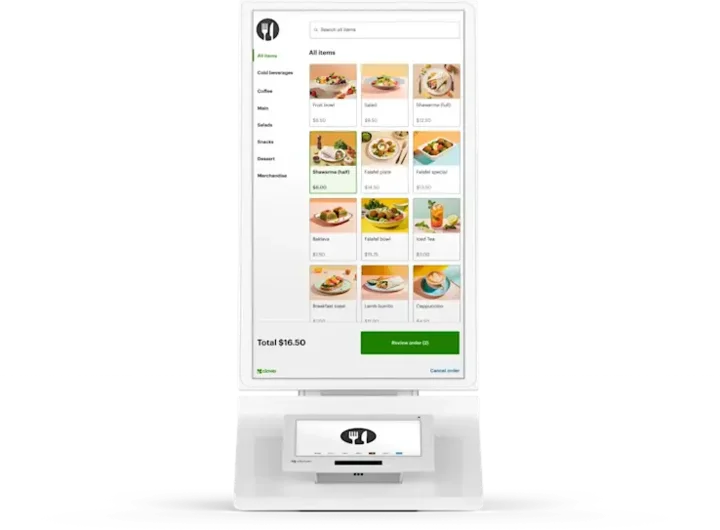 Self-order kioskKioskCustomer self-ordering.See the Kiosk
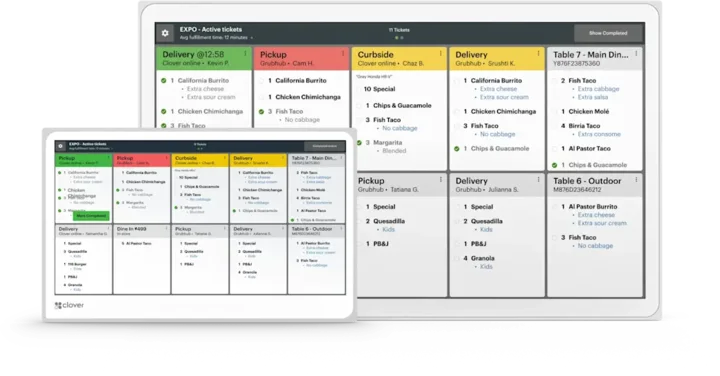 Kitchen displayKitchen Display SystemKitchen order visibility and coordination.See the Kitchen Display System
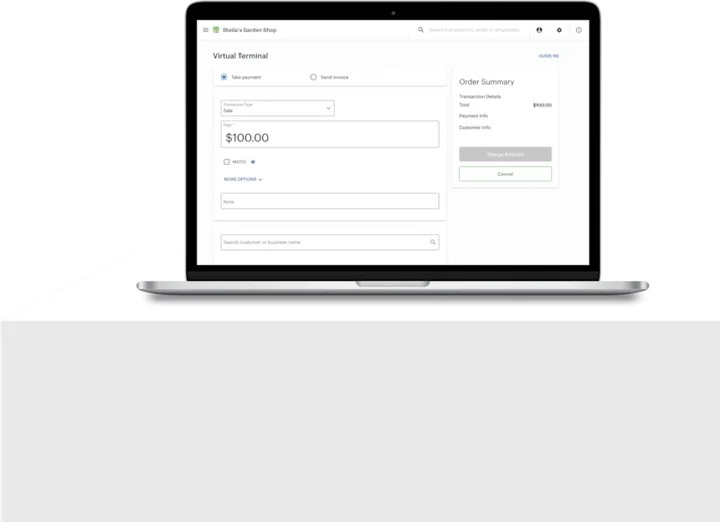 No POS hardwareAccount only and Virtual TerminalBrowser-based workflows without a full POS hardware setup.See the Account only and Virtual Terminal
Software and services
What Clover runs for your business.
Some capabilities need a particular Clover plan, app, or enrollment. We confirm which before you buy, and quote current configurations rather than published retail prices.
- Restaurant operationsOrder entry, table and tab management, and kitchen tickets or a kitchen display.Learn more
- Retail inventoryItem catalogs, stock counts, and reporting across your products.Learn more
- Customer engagement and loyaltyCustomer profiles, loyalty programs, and promotions tied to sales.Learn more
- Gift cardsSell and redeem gift cards at the counter.Ask about this
- ReportingSales, payment, and employee reports from the Clover dashboard.Ask about this
- Staff toolsEmployee accounts, permissions, and time tracking.Ask about this
- Online orderingTake orders online and send them to the same system.Learn more
- Invoicing and appointmentsSend invoices and book appointments for service businesses.Learn more
- App MarketAdd apps from the Clover App Market for workflows the core software does not cover.Learn more
Eligible businesses can add value-added services such as capital, deposit options, and payroll through the appropriate partner programs. Not every partner listed in our directory runs on Clover; each listing says when it does. Brands that work with Clover.
Not sure which Clover fits?
A free recommendation from a team that is not tied to one brand. Open 24 hours, 7 days.
Get started
Find the right Clover setup.
Tell us how you sell and how many stations you need. We will recommend the devices and plan that fit.
- A team member follows up with you
- We confirm what fits before you sign anything
- Setup, payments, and support from one team
Rather talk now? We answer around the clock. (843) 296-2599
Form stuck or not loading? Open the form on its own page or call (843) 296-2599.