
Retail and specialty POS
A cloud retail POS built around inventory control.
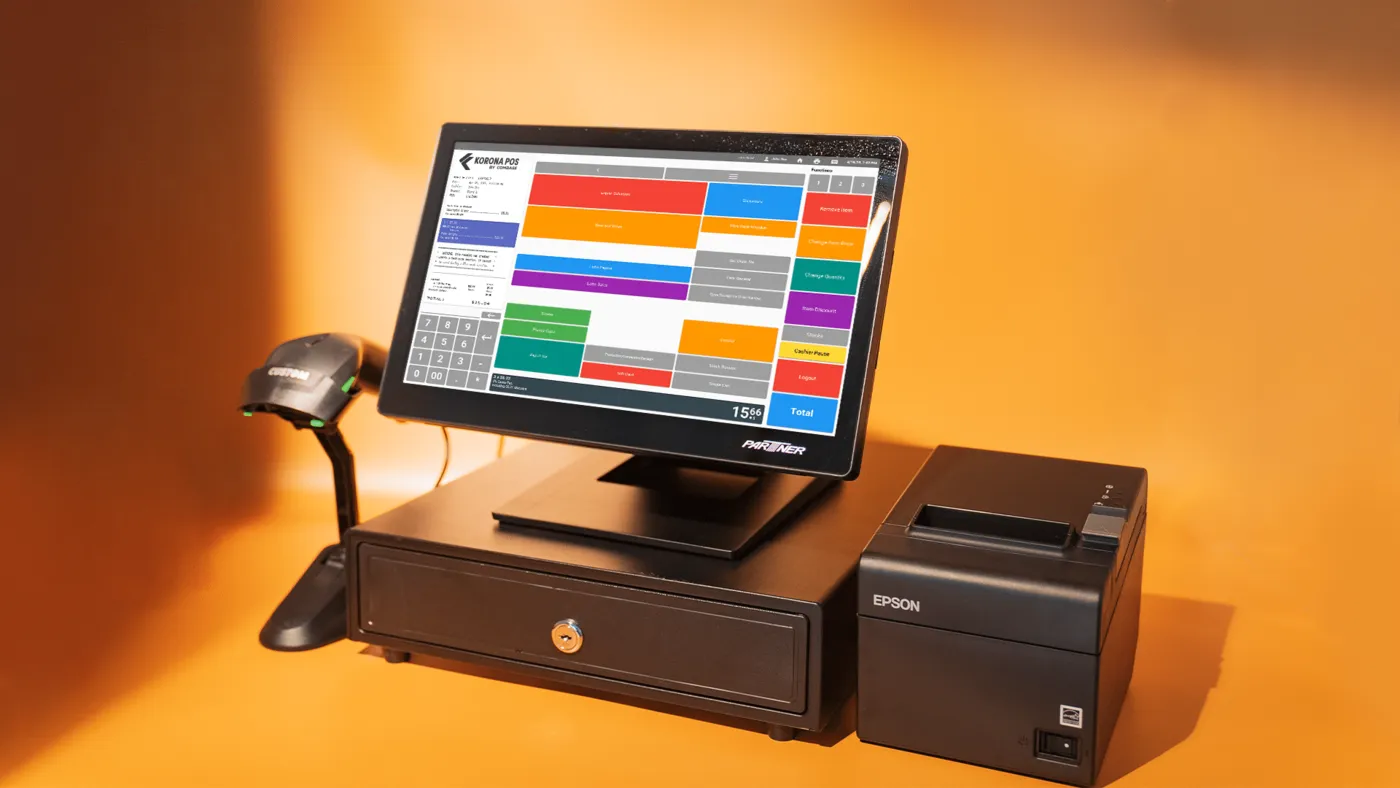
KORONA POS is a cloud point-of-sale system for retail stores, including liquor, convenience, and specialty shops, with detailed inventory tools, reporting, and multi-location support.
Overview
What KORONA POS does.
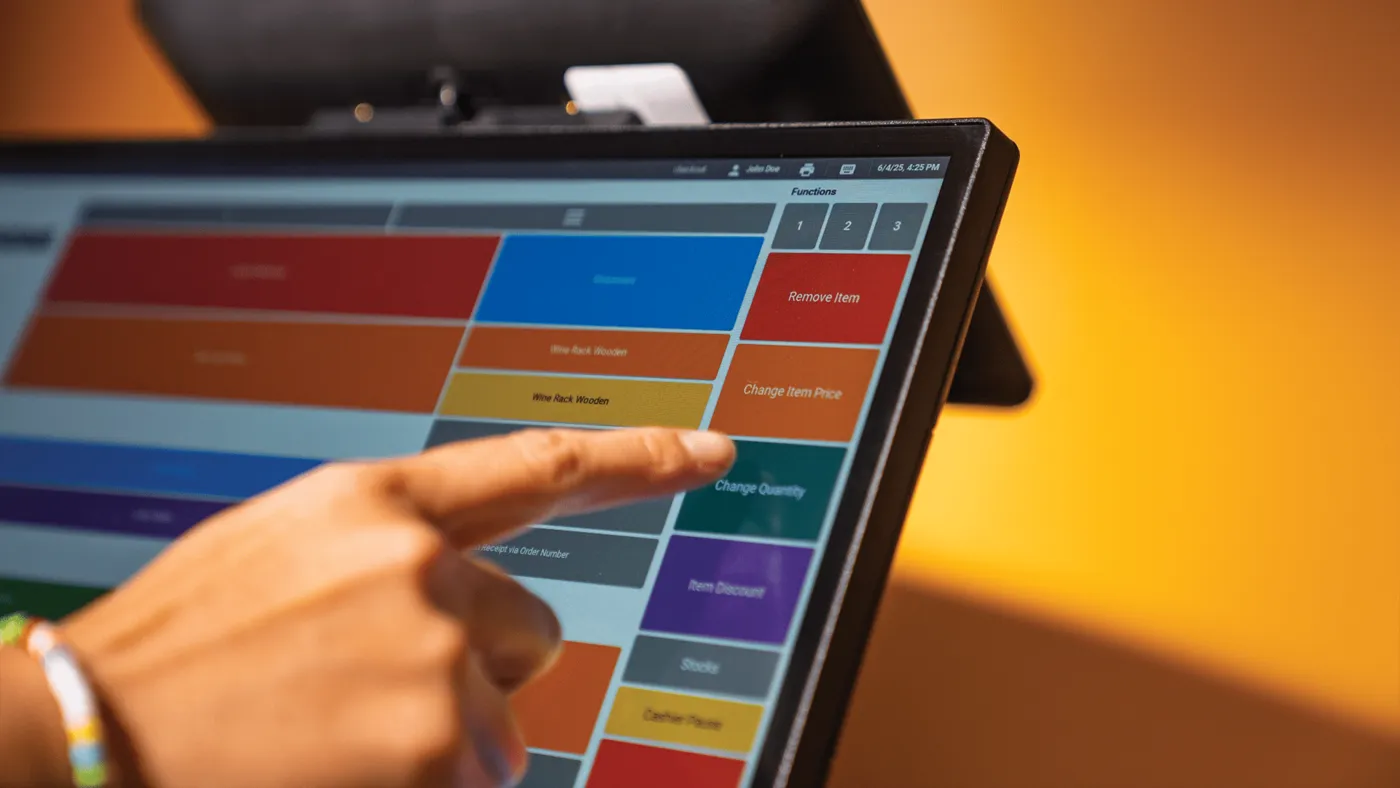
KORONA POS is cloud-based point-of-sale software used by many kinds of retail stores, from liquor and convenience stores to garden centers, gift shops, thrift stores, and wineries. The company also offers versions for quick-service food and for ticketed venues, but the core is retail checkout tied to careful inventory control.
Inventory is where it does the most work. Staff can order, receive, and count stock, set reorder levels, and let the system create purchase orders automatically. Liquor stores get case breaks, mix and match pricing, and handheld scanners for counts, and any change shows up across all locations right away.
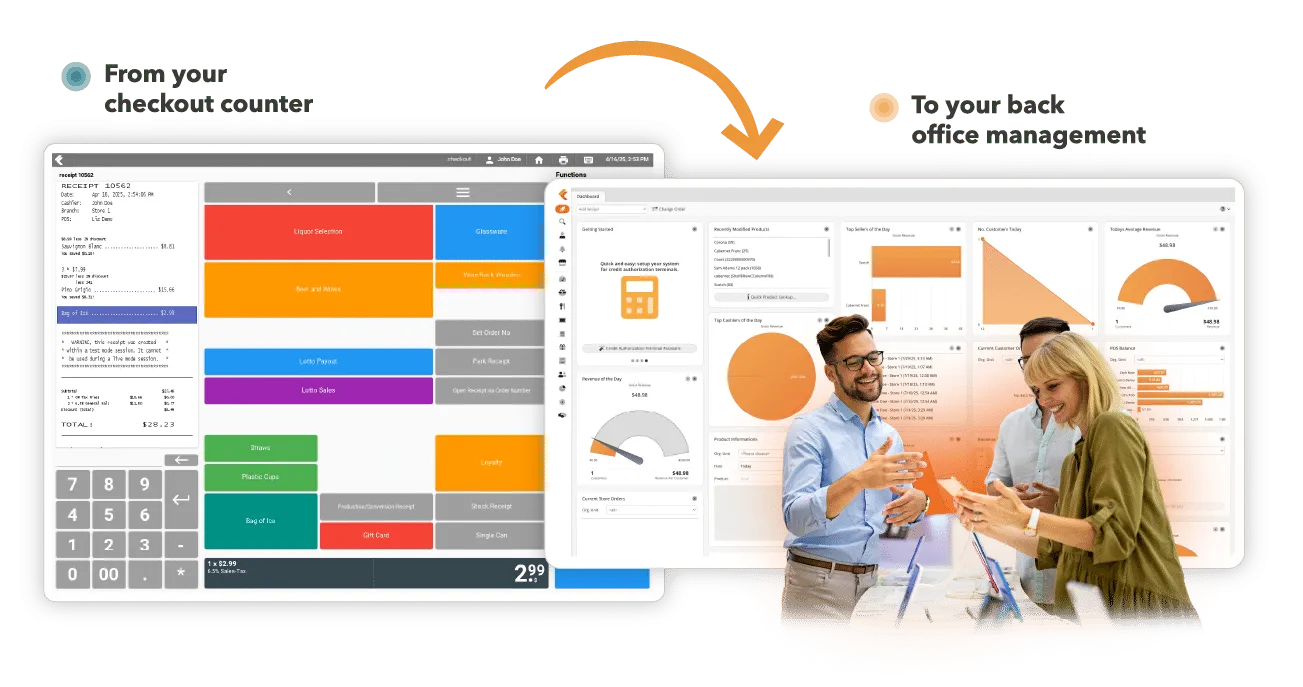
Owners run the business from KORONA Studio, the back office, which works from any device. It shows live reports and stock, controls employee permissions, and lets you change pricing, promotions, and ordering for one store or a whole franchise. KORONA POS works with a range of EMV and contactless terminals.
Capabilities
What KORONA POS handles.
- Inventory and reorderingOrder, receive, and count stock, set reorder levels, and turn on automatic reordering so purchase orders build themselves.Ask about this
- KORONA Studio back officeCheck live reports and stock from any device, manage staff permissions, and adjust pricing, promotions, and orders remotely.Ask about this
- Multi-store and franchiseRun one store or many from a single cloud system, with reports for each store, a region, or the whole group.Ask about this
- Payment terminalsWorks with a range of EMV and contactless payment terminals.Ask about this
- Age checks and loss controlScan IDs for age verification, track every cash movement, and use cashier permissions and reports to limit shrink.Ask about this
- Loyalty and customer toolsBuilt-in CRM, email marketing, and loyalty integrations help bring regulars back, and eCommerce integrations such as WooCommerce sync online sales.Ask about this
With TrueTill
One team from fit to go-live.
- 01
Check the fit
We learn how you work, then confirm KORONA POS fits your business, your devices, and the software you already use.
- 02
Set it up
We coordinate the KORONA POS setup with the payments behind it, so the system and the processing go live together.
- 03
Stay supported
One TrueTill contact for questions after launch, from training to changes as your business grows.
Questions
KORONA POS: common questions
Can KORONA POS use my existing hardware?
KORONA says you can keep the equipment you have or get new hardware that arrives already installed and configured, and its team tests the system before you go live.
Does it handle what a liquor store needs?
Yes. KORONA lists case breaks, mix and match promotions, age verification reminders, handheld inventory counts, and loyalty integrations for liquor stores.
KORONA POS is a product of its own company. This page is TrueTill's summary of KORONA POS's public materials, reviewed November 16, 2026; images are KORONA POS's own. Features and availability can change, so we confirm them before you sign. Sources: koronapos.com, koronapos.com, koronapos.com, koronapos.com.
Get started
Ask about KORONA POS.
Tell us how you run your business. We will confirm whether KORONA POS fits and set it up with the payments behind it.
- A team member follows up with you
- We confirm what fits before you sign anything
- Setup, payments, and support from one team
Rather talk now? We answer around the clock. (843) 296-2599
Form stuck or not loading? Open the form on its own page or call (843) 296-2599.