
Kitchen display
Replace paper tickets with one kitchen screen.
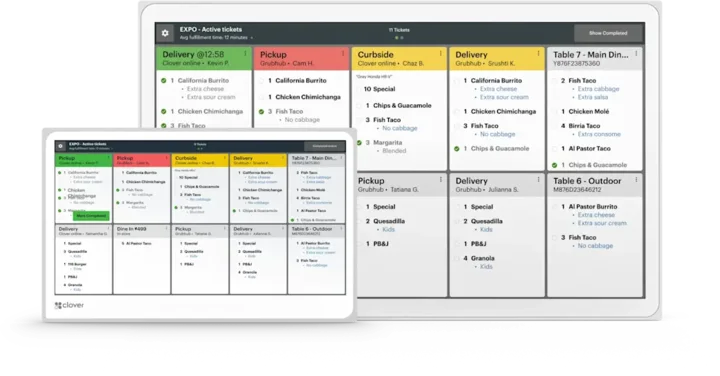
The Clover Kitchen Display System shows every ticket, its status, and how long it has waited on a 14 or 24 inch screen built for hot, busy kitchens. Orders from any Clover device land there automatically.
Overview
What the Kitchen Display System does.
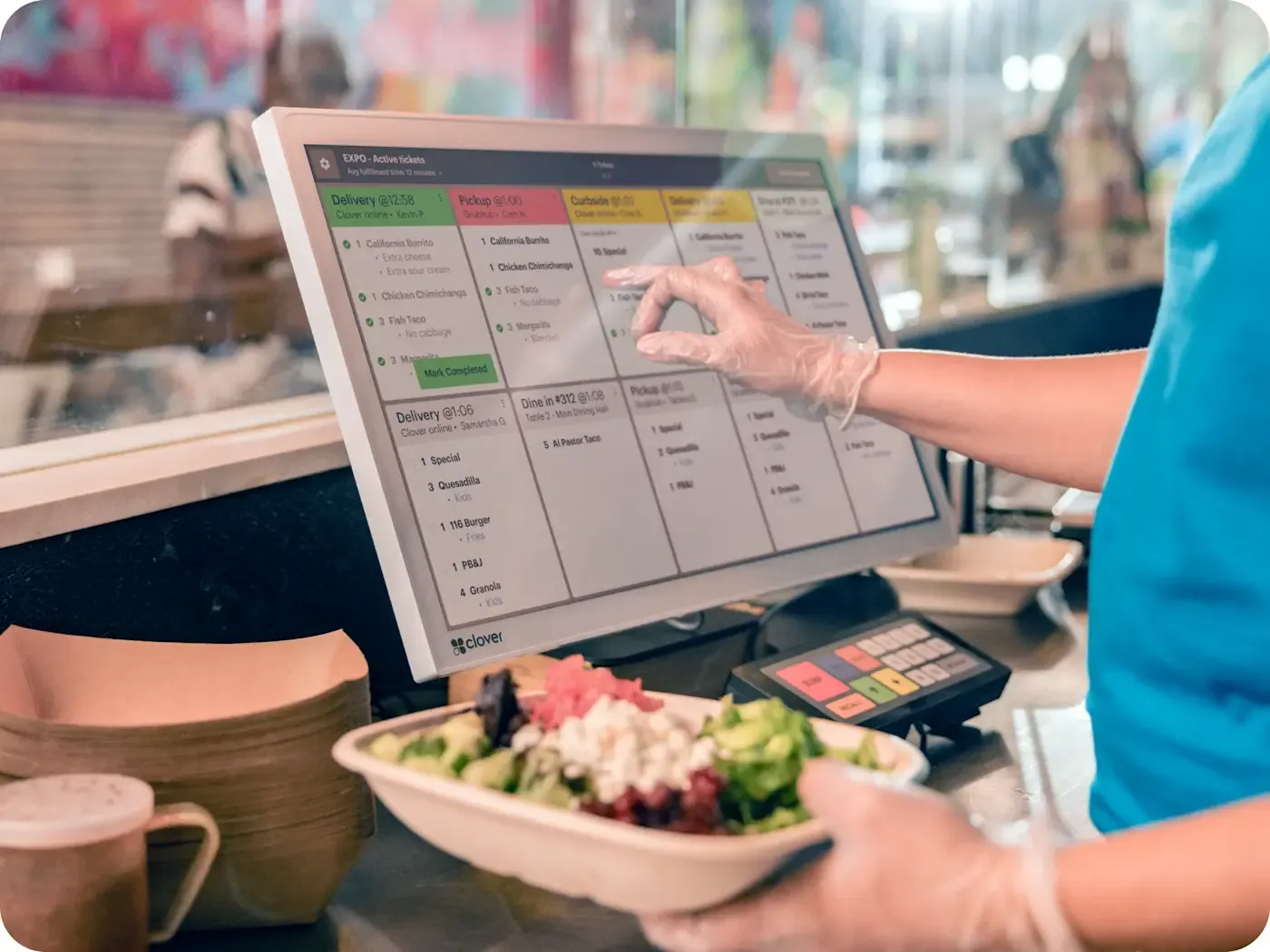
The Clover KDS is a screen for your kitchen staff that takes the place of paper tickets. Orders placed on any Clover device in the restaurant fire to it, along with off-premise orders from third-party platforms, so every ticket sits in one queue with live ticket times and status.
The software is made for kitchen workflow, with expo mode, item-level routing, multi-level fulfillment, color-coded order status, and prep time reports that show how the team is doing. Runner tickets can print from the KDS to a printer on your network, and Clover lists supported kitchen printers from Epson and Star.
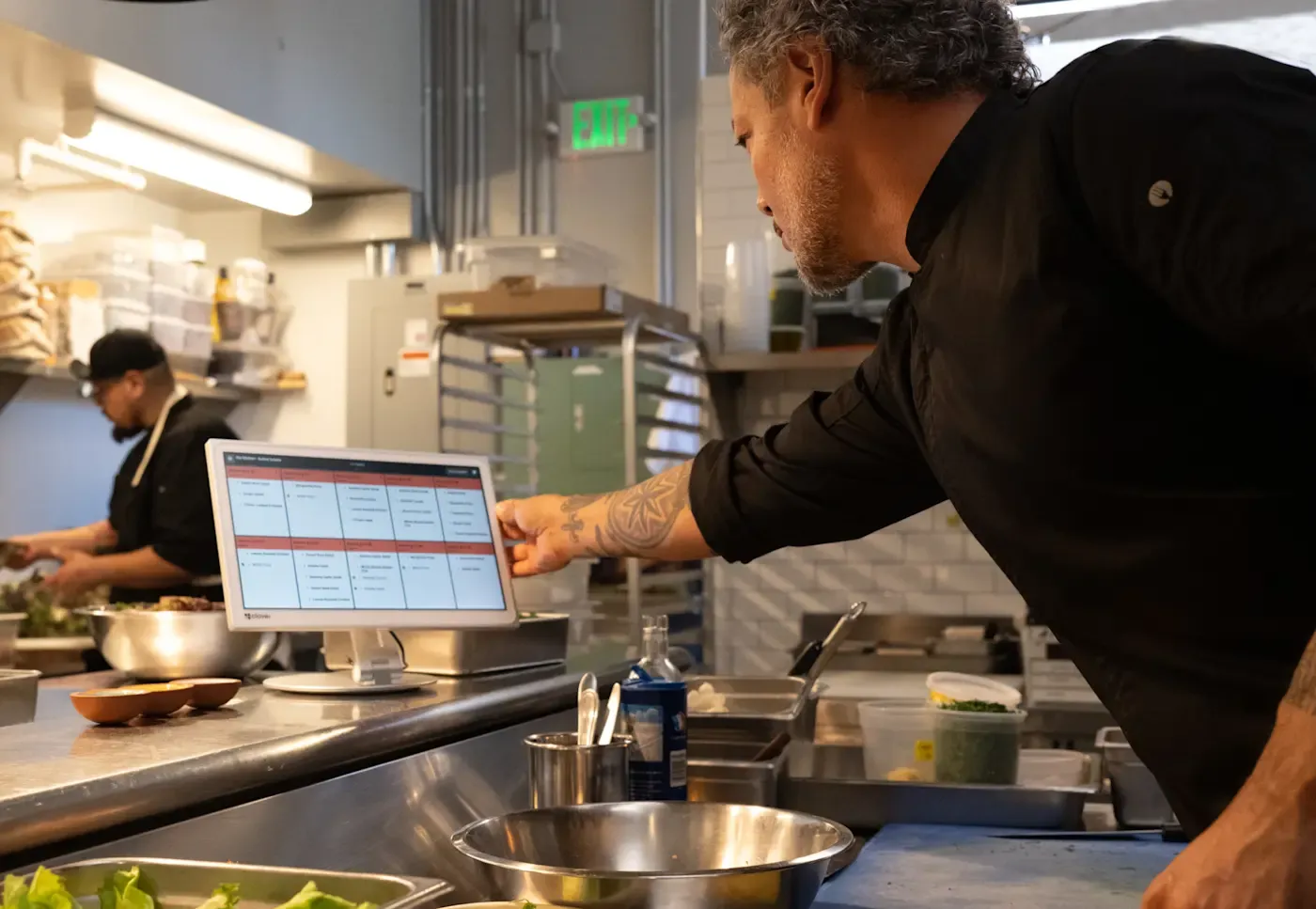
The hardware is built for the kitchen too. Clover rates the body for heat up to 122°F, the screen resists fingerprints and glare, and two-way speakers make alerts easier to hear over the noise. Choose the 24 inch model for overhead mounting with an optional bump bar, or the 14 inch model for counters and walls where space is tight.
Capabilities
What the Kitchen Display System handles.
- One queue for every channelCounter, table, and third-party orders land on one screen with live ticket times and status.Ask about this
- Expo mode and routingUse item-level routing, multi-level fulfillment, and expo mode to organize how orders move through the kitchen.Ask about this
- Prep time reportingTrack prep and fulfillment times to see how the team is performing and adjust during service.Ask about this
- Color-coded statusColor-coded order status lets the line see where each ticket stands at a glance.Ask about this
- Runner ticketsSend runner tickets from the KDS to a printer on your network when food is ready to go out.Ask about this
- Made for kitchen heatA heat-tolerant body, an anti-glare screen, and two-way speakers suit hot, loud kitchens.Ask about this
With TrueTill
One team from fit to go-live.
Required Clover plans or add-ons depend on the setup. We confirm them and quote current configurations before you buy.
- 01
Check the fit
We learn how you sell, then confirm whether the Kitchen Display System is the right device or one of two or three that work together.
- 02
Set it up
We set up the Clover account, menu or catalog, staff, and payments, then test the device before you go live.
- 03
Stay supported
One TrueTill contact after launch for questions, changes, and adding devices as you grow.
Questions
Clover Kitchen Display System: common questions
What does the Clover KDS replace?
Paper tickets. It is a screen for kitchen staff that shows orders from the front of house and from online ordering platforms where food and drinks are prepared.
Which Clover plans work with the KDS?
Clover requires a Register, Table Service Restaurant, or Counter Service Restaurant plan. The KDS is added alongside the other devices in those setups.
Can the KDS print tickets?
Yes. It prints runner tickets to a printer on your network, and Clover lists supported label, receipt, and kitchen printers from Epson and Star.
The Clover family
Other Clover devices to pair with it.
Most businesses combine two or three. Each one opens its own page.
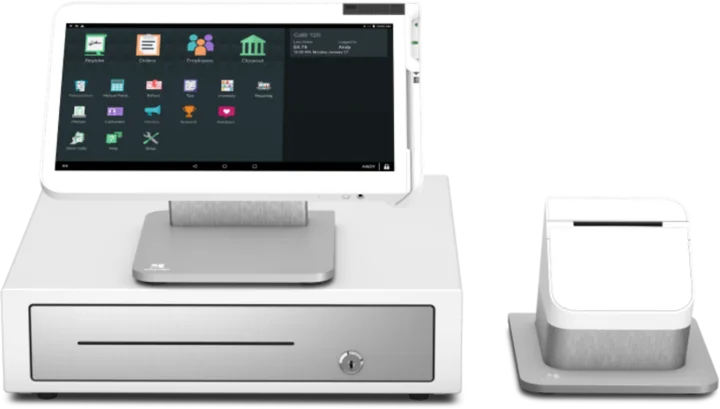
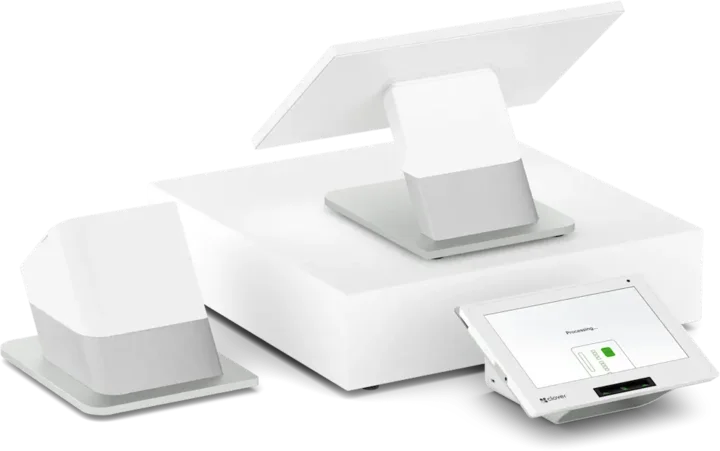 Countertop POSStation DuoCountertop POS with merchant and customer-facing screens.See the Station Duo
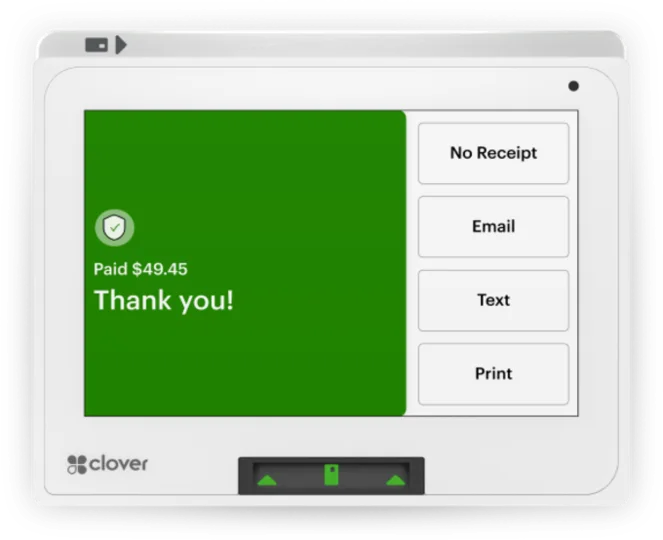
 WorkstationStation SoloLarger workstation for checkout and order management.See the Station Solo
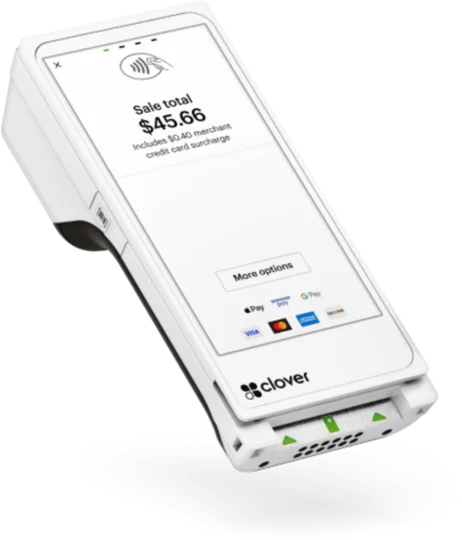
 Compact POSMiniCompact countertop point of sale.See the Mini
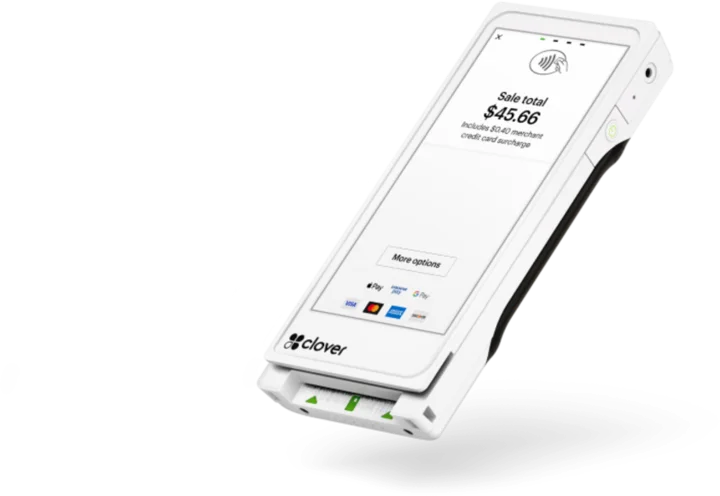
 Handheld with printerFlexHandheld ordering and payments with a printer.See the Flex
 Pocket handheldFlex PocketPortable, printerless handheld POS.See the Flex Pocket
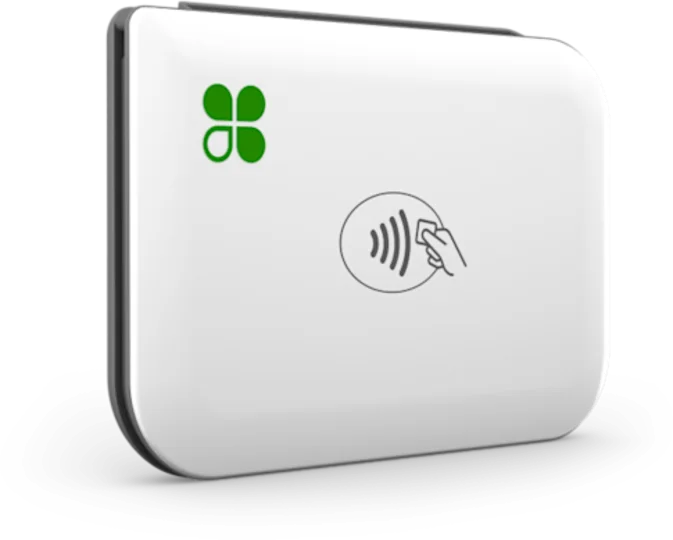 Mobile readerGoMobile reader paired with a phone.See the Go
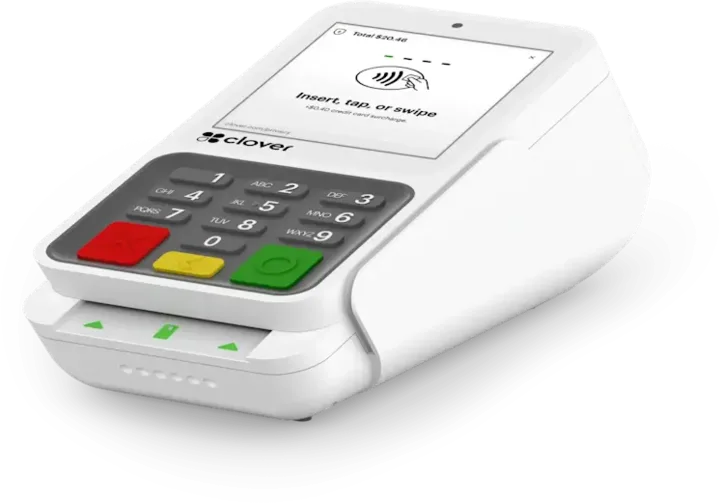 Payment terminalCompactCountertop payment terminal.See the Compact
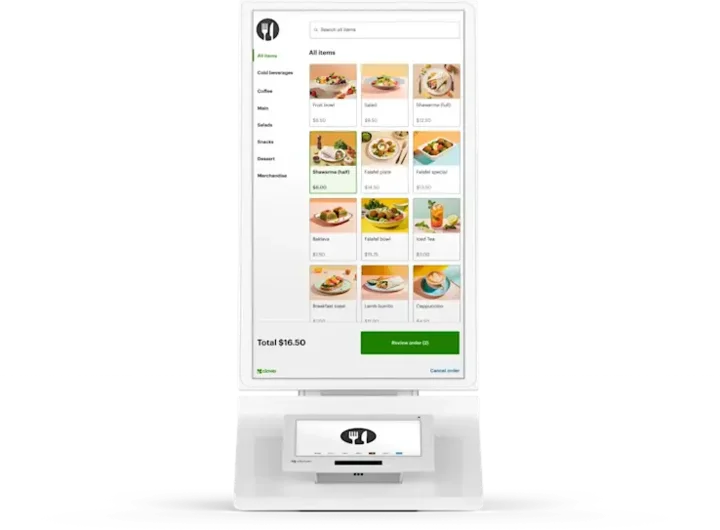 Self-order kioskKioskCustomer self-ordering.See the Kiosk
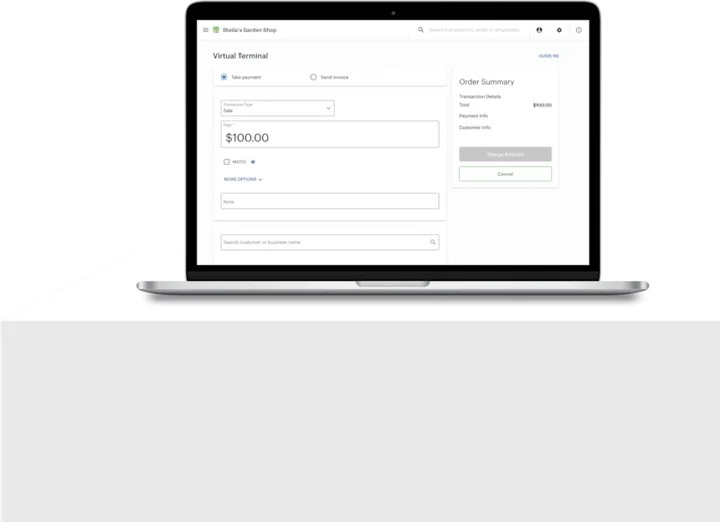 No POS hardwareAccount only and Virtual TerminalBrowser-based workflows without a full POS hardware setup.See the Account only and Virtual Terminal
Clover is a product of its own company, and the images are Clover's own. This page is TrueTill's summary of Clover's public product information. Features and availability can change, so we confirm them before you buy.
Is the Kitchen Display System right for you?
A free recommendation from a team that is not tied to one brand. Open 24 hours, 7 days.
Get started
Ask about the Kitchen Display System.
Tell us how you sell and how many stations you need. We will confirm whether the Kitchen Display System fits and quote the setup.
- A team member follows up with you
- We confirm what fits before you sign anything
- Setup, payments, and support from one team
Rather talk now? We answer around the clock. (843) 296-2599
Form stuck or not loading? Open the form on its own page or call (843) 296-2599.