
No POS hardware
Run Clover from a web browser, no device needed.
Clover Account Only gives you the Clover dashboard and Virtual Terminal without buying POS hardware. Take card payments, send invoices, and track sales from a computer, tablet, or phone.
Overview
What the Account only and Virtual Terminal does.
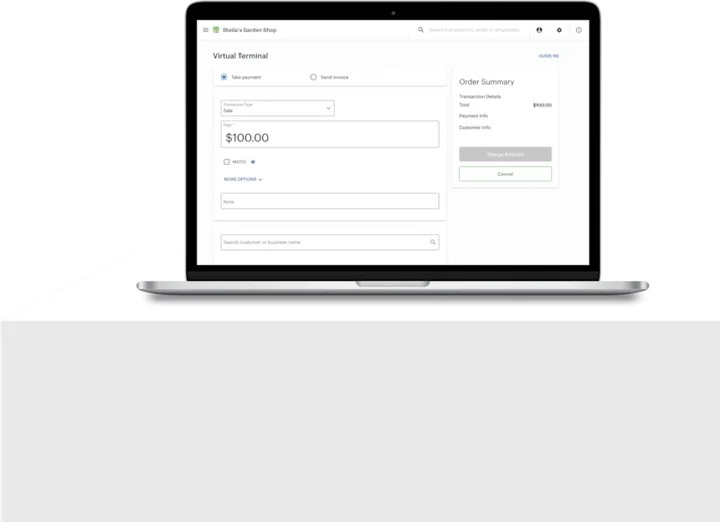
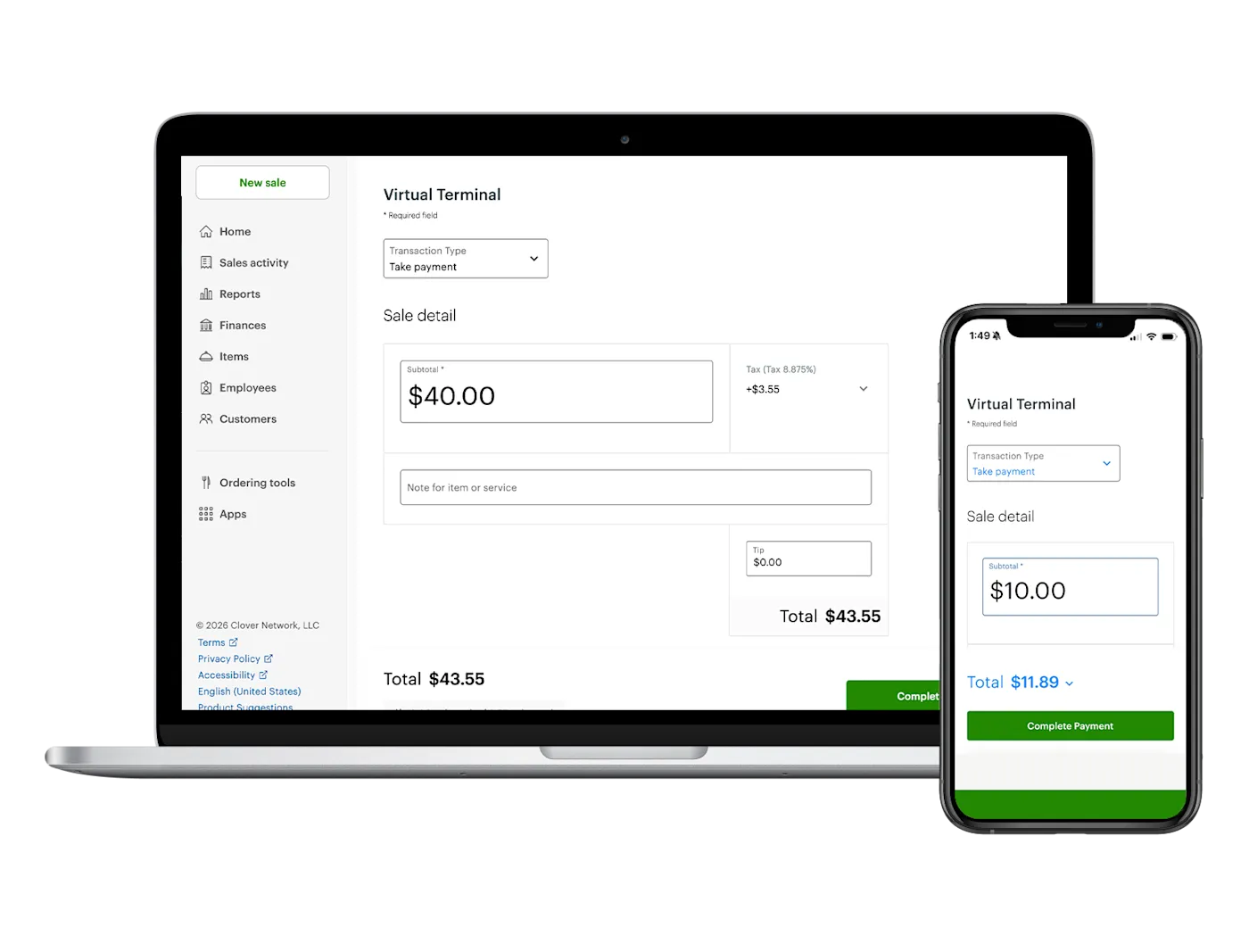
Account Only is Clover without the countertop gear. You sign in to the Clover Web Dashboard in a browser on a computer, tablet, or phone, and the Virtual Terminal is already there. Key in a card for a phone or mail order, request payment by email, bill through invoices, or set up recurring payments for regular clients.
The same dashboard runs the rest of the business. Reports show top items or services, employee sales, daily totals, and open orders. Staff get their own logins and permissions, with shift tools and payroll integrations if you want them, and you can connect apps such as QuickBooks for accounting or link an existing online store so online and in-person sales sit in one place.
Virtual Terminal payments are protected with end-to-end encryption and tokenization, and address and card verification checks (AVS and CVV) help screen out fraud. Regular customers' cards can be stored securely for faster checkout. Because Virtual Terminal sales sync with Clover devices, it also works as a backup if your usual payment setup goes down, and you can add Clover hardware later without starting over.
Capabilities
What the Account only and Virtual Terminal handles.
- Virtual Terminal in your browserSign in to the Clover Web Dashboard and take card payments or refunds from a computer, tablet, or phone.Ask about this
- Invoices and recurring billingSend invoices clients can pay online, request payment by email, and set up recurring payments for repeat work.Ask about this
- Cards on fileSave regular customers' card details securely so repeat payments go faster.Ask about this
- Fraud and data protectionAVS and CVV checks, end-to-end encryption, and tokenization help keep card data safe.Ask about this
- Reports and staffTrack best sellers, employee sales, and daily totals, and give each employee a login with set permissions.Ask about this
- Add hardware laterStart with no devices and add a Clover POS whenever you need one. It joins the setup you already have.Ask about this

With TrueTill
One team from fit to go-live.
Required Clover plans or add-ons depend on the setup. We confirm them and quote current configurations before you buy.
- 01
Check the fit
We learn how you sell, then confirm whether the Account only and Virtual Terminal is the right device or one of two or three that work together.
- 02
Set it up
We set up the Clover account, menu or catalog, staff, and payments, then test the device before you go live.
- 03
Stay supported
One TrueTill contact after launch for questions, changes, and adding devices as you grow.
Questions
Clover Account only and Virtual Terminal: common questions
Do I need Clover hardware to take occasional payments?
No. The Virtual Terminal lets you take card payments online with no dedicated hardware, which suits phone orders, invoices, and remote sales.
Can I add a Clover device later?
Yes. You can start with Account Only and add Clover devices whenever you are ready. They join your existing setup.
How do I open the Virtual Terminal?
Sign in to your Clover dashboard from a web browser, turn on two-factor authentication (needed for refunds), pick Virtual Terminal from the menu, then turn on your location. Then enter the card and amount and select Charge.
The Clover family
Other Clover devices to pair with it.
Most businesses combine two or three. Each one opens its own page.
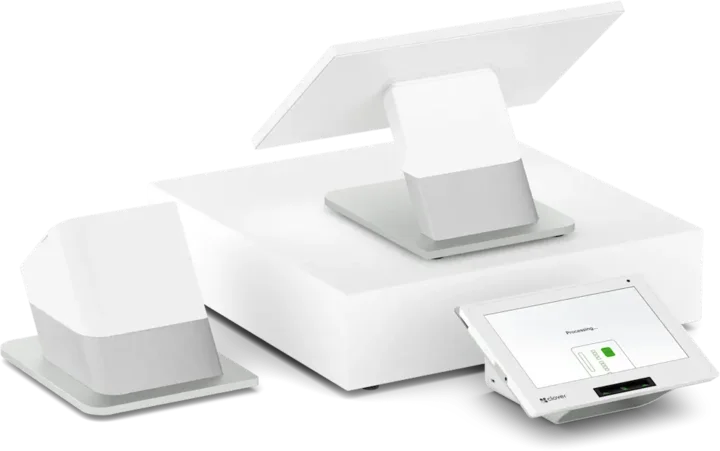 Countertop POSStation DuoCountertop POS with merchant and customer-facing screens.See the Station Duo
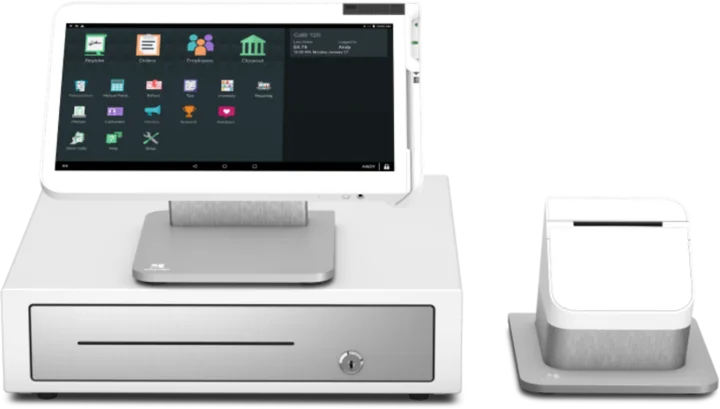 WorkstationStation SoloLarger workstation for checkout and order management.See the Station Solo
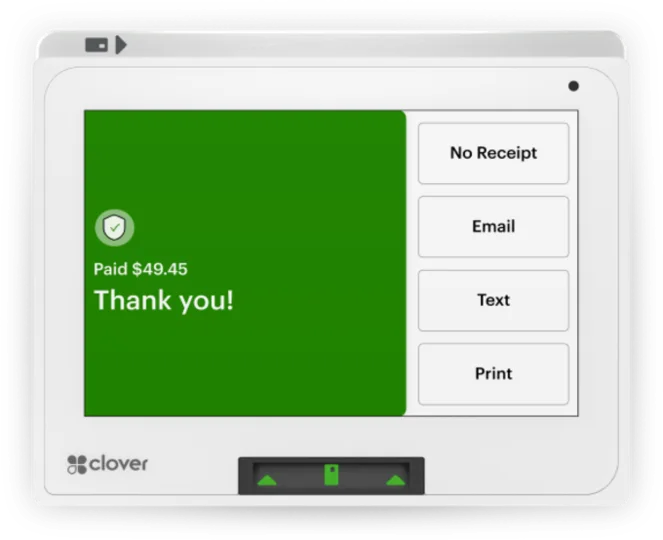 Compact POSMiniCompact countertop point of sale.See the Mini
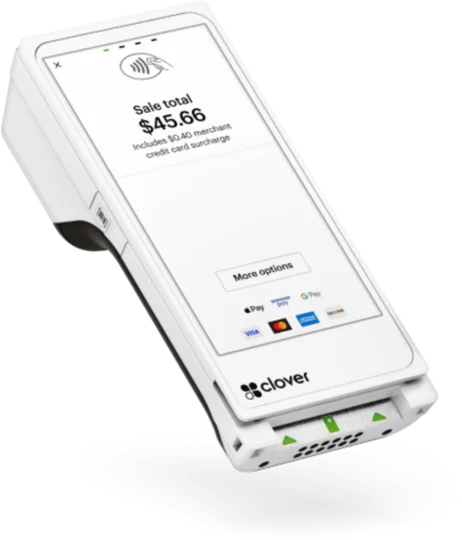 Handheld with printerFlexHandheld ordering and payments with a printer.See the Flex
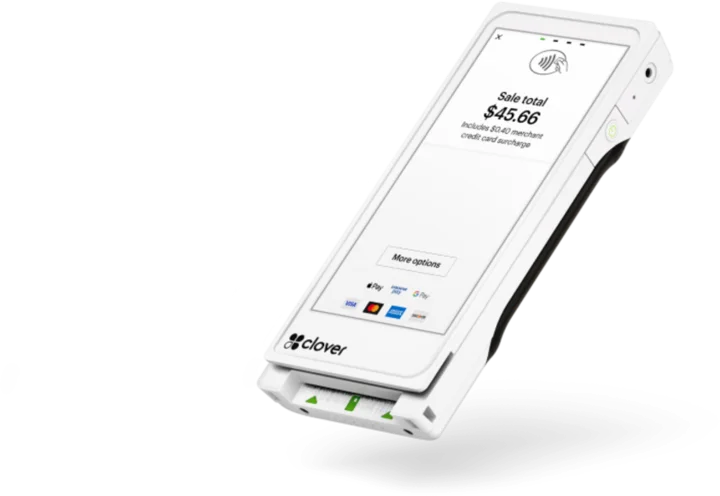 Pocket handheldFlex PocketPortable, printerless handheld POS.See the Flex Pocket
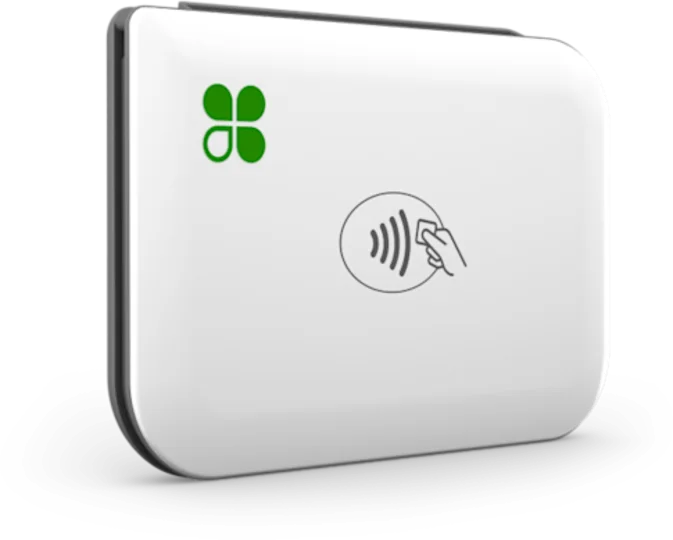 Mobile readerGoMobile reader paired with a phone.See the Go
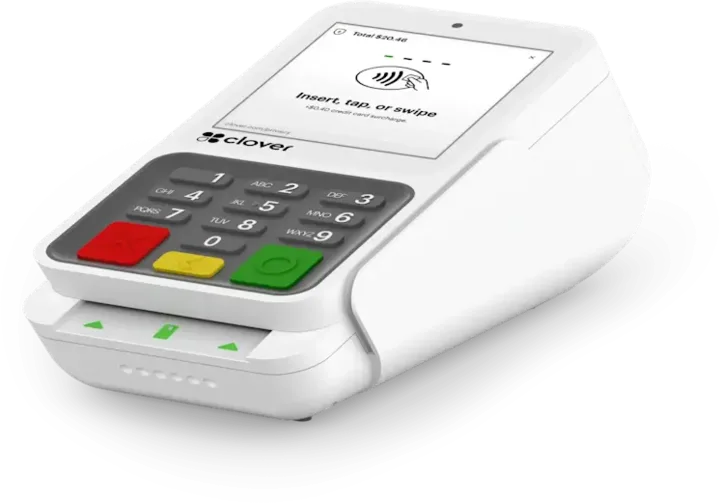 Payment terminalCompactCountertop payment terminal.See the Compact
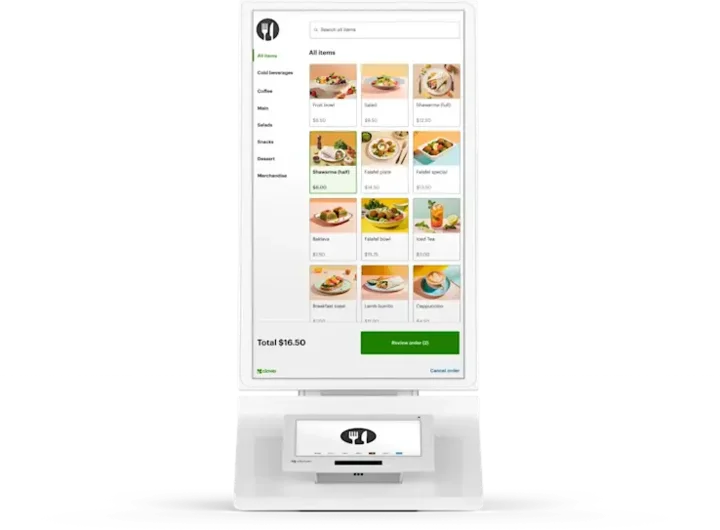 Self-order kioskKioskCustomer self-ordering.See the Kiosk
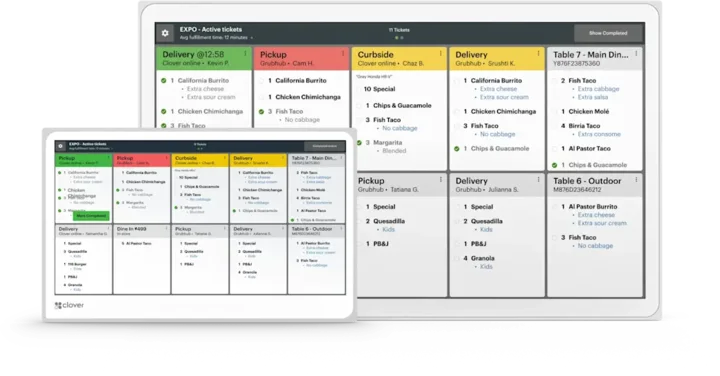 Kitchen displayKitchen Display SystemKitchen order visibility and coordination.See the Kitchen Display System
Clover is a product of its own company, and the images are Clover's own. This page is TrueTill's summary of Clover's public product information. Features and availability can change, so we confirm them before you buy.
Is the Account only and Virtual Terminal right for you?
A free recommendation from a team that is not tied to one brand. Open 24 hours, 7 days.
Get started
Ask about the Account only and Virtual Terminal.
Tell us how you sell and how many stations you need. We will confirm whether the Account only and Virtual Terminal fits and quote the setup.
- A team member follows up with you
- We confirm what fits before you sign anything
- Setup, payments, and support from one team
Rather talk now? We answer around the clock. (843) 296-2599
Form stuck or not loading? Open the form on its own page or call (843) 296-2599.