
Workstation
A full countertop POS on one large screen.
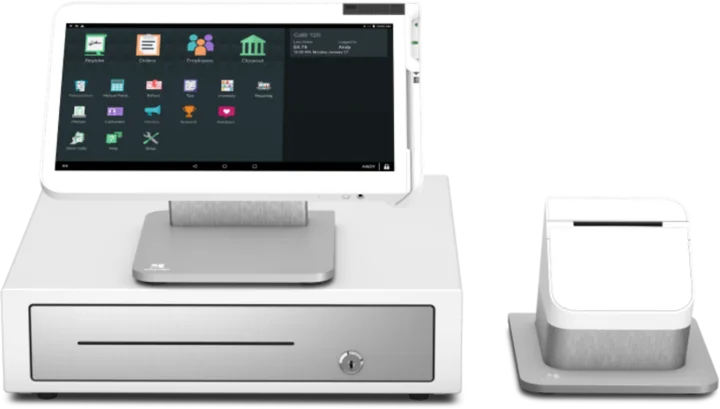
Station Solo puts the whole Clover system on a tilting 14 inch touch screen, with a receipt printer and cash drawer included. Staff take payments, ring up orders, and run the business from one spot.
Overview
What the Station Solo does.
Station Solo is Clover's single-screen workstation. The 14 inch high-definition display tilts and leaves room to handle orders, inventory, employees, payments, and reports from the same screen. It comes with a receipt printer and a matching cash drawer, so the counter is ready to work once it is set up.
Card payments run by swipe or chip on the Station itself. A single 5 megapixel camera with scanning software is built in, and the unit connects over Wi-Fi, Ethernet, or 4G/LTE. The cash drawer has five slots for bills and five for coins, and it opens by itself on cash sales once it is connected with the included cable.
Station Solo works alongside the rest of the Clover lineup, so you can start with one Station and add more devices as you grow while the front counter and the back of house stay in sync. The same Station Solo serves any business. The full-service restaurant version pairs it with a service plan that adds features made for table service.
Capabilities
What the Station Solo handles.
- A large tilting screenThe 14 inch high-definition touch screen tilts and gives staff room to ring up orders, check inventory, and run reports.Ask about this
- Printer and drawer in the boxA thermal receipt printer and a matching cash drawer come with every Station Solo. The drawer opens on cash sales once it is cabled.Ask about this
- Front and back of house in syncStaff at the counter and in the back of house stay on the same page, and other Clover devices join the same system.Ask about this
- Staff managementSee who sells the most, keep shifts and hours on record, and give each employee the right permissions.Ask about this
- Payments beyond the counterTake card payments away from the Station with Clover Virtual Terminal, invoices, and recurring payments.Ask about this
- Gift cardsSell digital and physical gift cards to bring in sales now and win new customers.Ask about this
With TrueTill
One team from fit to go-live.
Required Clover plans or add-ons depend on the setup. We confirm them and quote current configurations before you buy.
- 01
Check the fit
We learn how you sell, then confirm whether the Station Solo is the right device or one of two or three that work together.
- 02
Set it up
We set up the Clover account, menu or catalog, staff, and payments, then test the device before you go live.
- 03
Stay supported
One TrueTill contact after launch for questions, changes, and adding devices as you grow.
Questions
Clover Station Solo: common questions
Does Station Solo include a cash drawer and receipt printer?
Yes. Each Station Solo comes with a matching cash drawer, with five slots for bills and five for coins, plus a receipt printer that sits next to the display. The drawer opens on its own for cash sales once it is connected.
Is the restaurant version of Station Solo a different device?
No. It is the same Station Solo. The full-service restaurant offering pairs it with a service plan that includes features made for table-service restaurants.
Does Station Solo work with other Clover devices?
Yes. It works with the other Clover devices, so you can start with one Station and add handhelds or more devices to the same system as the business grows.
The Clover family
Other Clover devices to pair with it.
Most businesses combine two or three. Each one opens its own page.
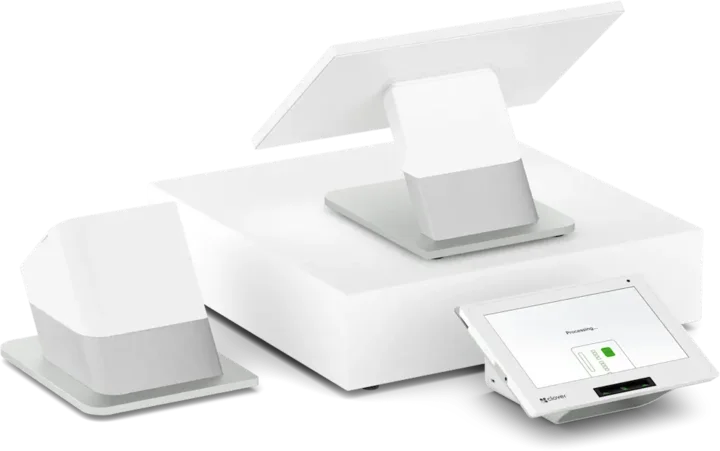 Countertop POSStation DuoCountertop POS with merchant and customer-facing screens.See the Station Duo
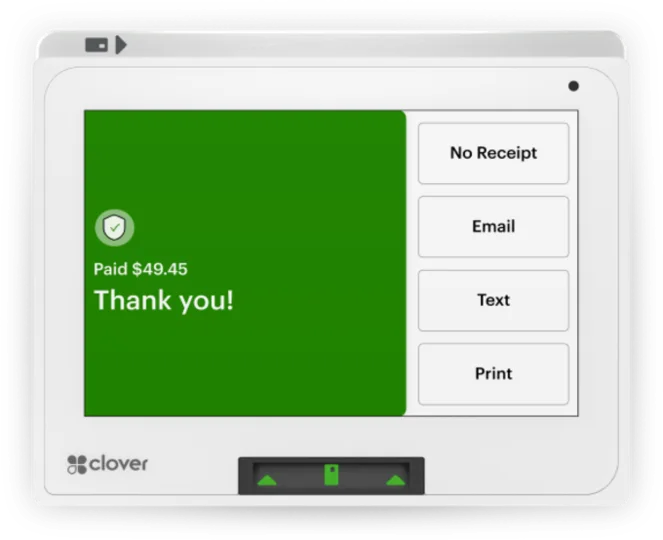 Compact POSMiniCompact countertop point of sale.See the Mini
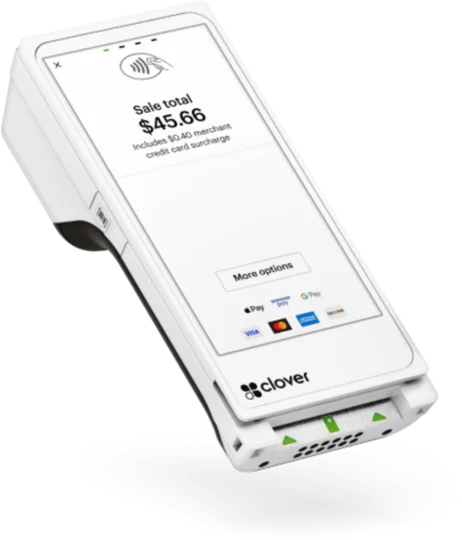 Handheld with printerFlexHandheld ordering and payments with a printer.See the Flex
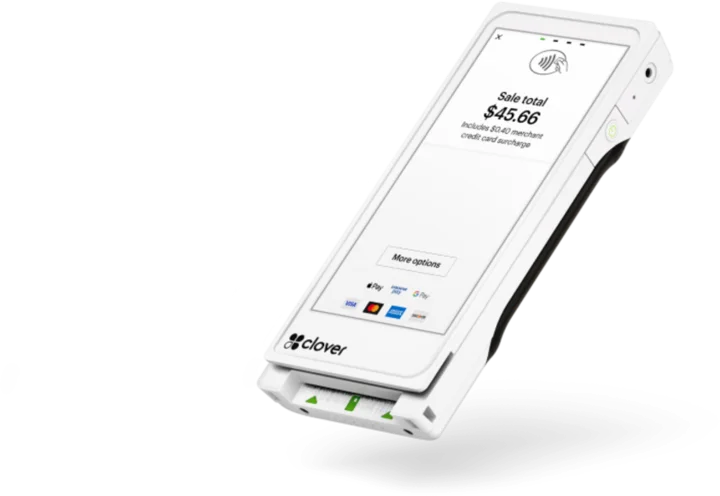 Pocket handheldFlex PocketPortable, printerless handheld POS.See the Flex Pocket
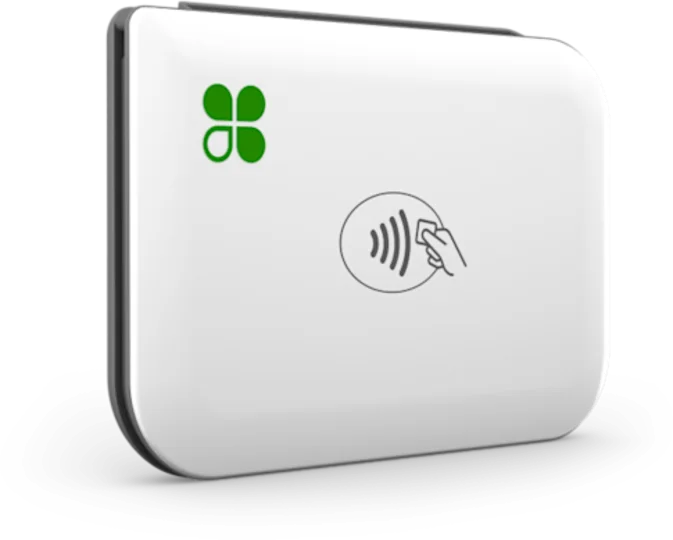 Mobile readerGoMobile reader paired with a phone.See the Go
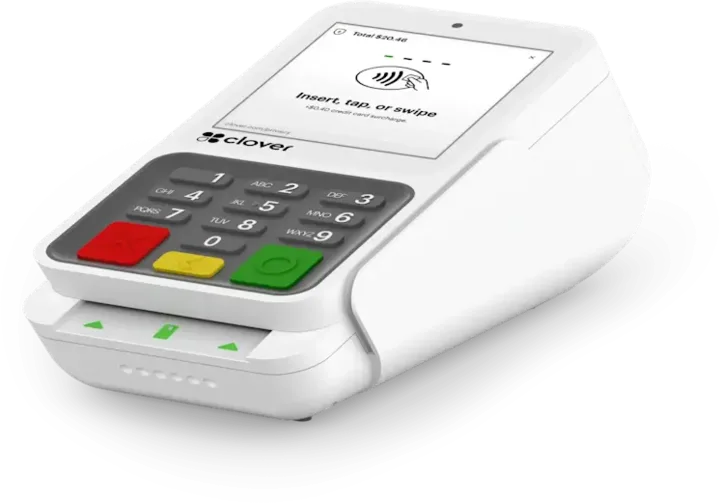 Payment terminalCompactCountertop payment terminal.See the Compact
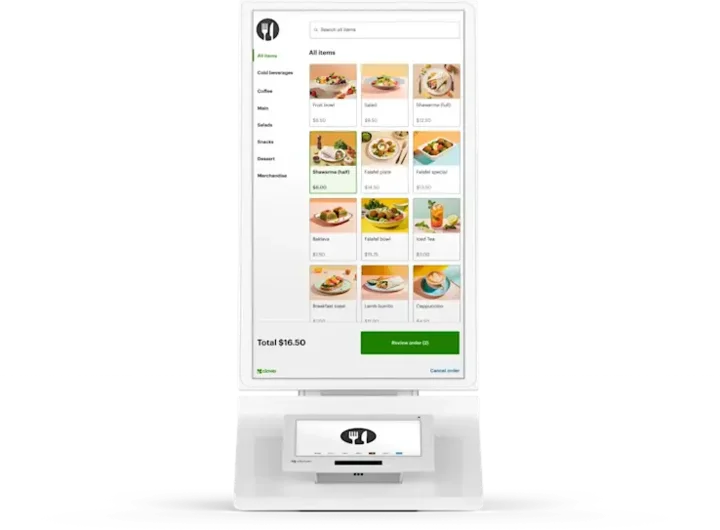 Self-order kioskKioskCustomer self-ordering.See the Kiosk
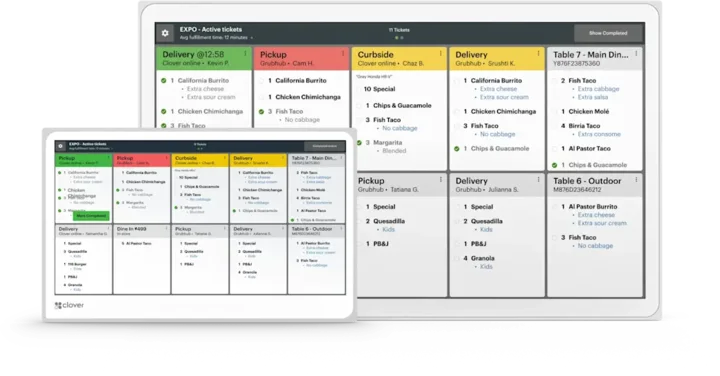 Kitchen displayKitchen Display SystemKitchen order visibility and coordination.See the Kitchen Display System
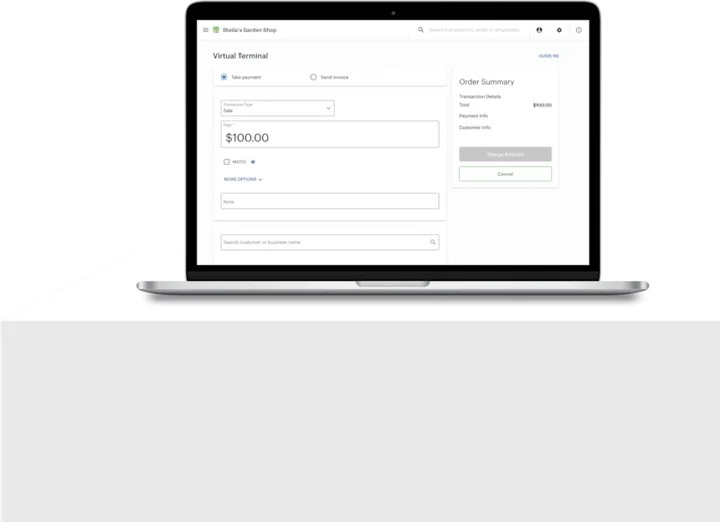 No POS hardwareAccount only and Virtual TerminalBrowser-based workflows without a full POS hardware setup.See the Account only and Virtual Terminal
Clover is a product of its own company, and the images are Clover's own. This page is TrueTill's summary of Clover's public product information. Features and availability can change, so we confirm them before you buy.
Is the Station Solo right for you?
A free recommendation from a team that is not tied to one brand. Open 24 hours, 7 days.
Get started
Ask about the Station Solo.
Tell us how you sell and how many stations you need. We will confirm whether the Station Solo fits and quote the setup.
- A team member follows up with you
- We confirm what fits before you sign anything
- Setup, payments, and support from one team
Rather talk now? We answer around the clock. (843) 296-2599
Form stuck or not loading? Open the form on its own page or call (843) 296-2599.