
Devices and deployment
Payment terminals and cloud tools.
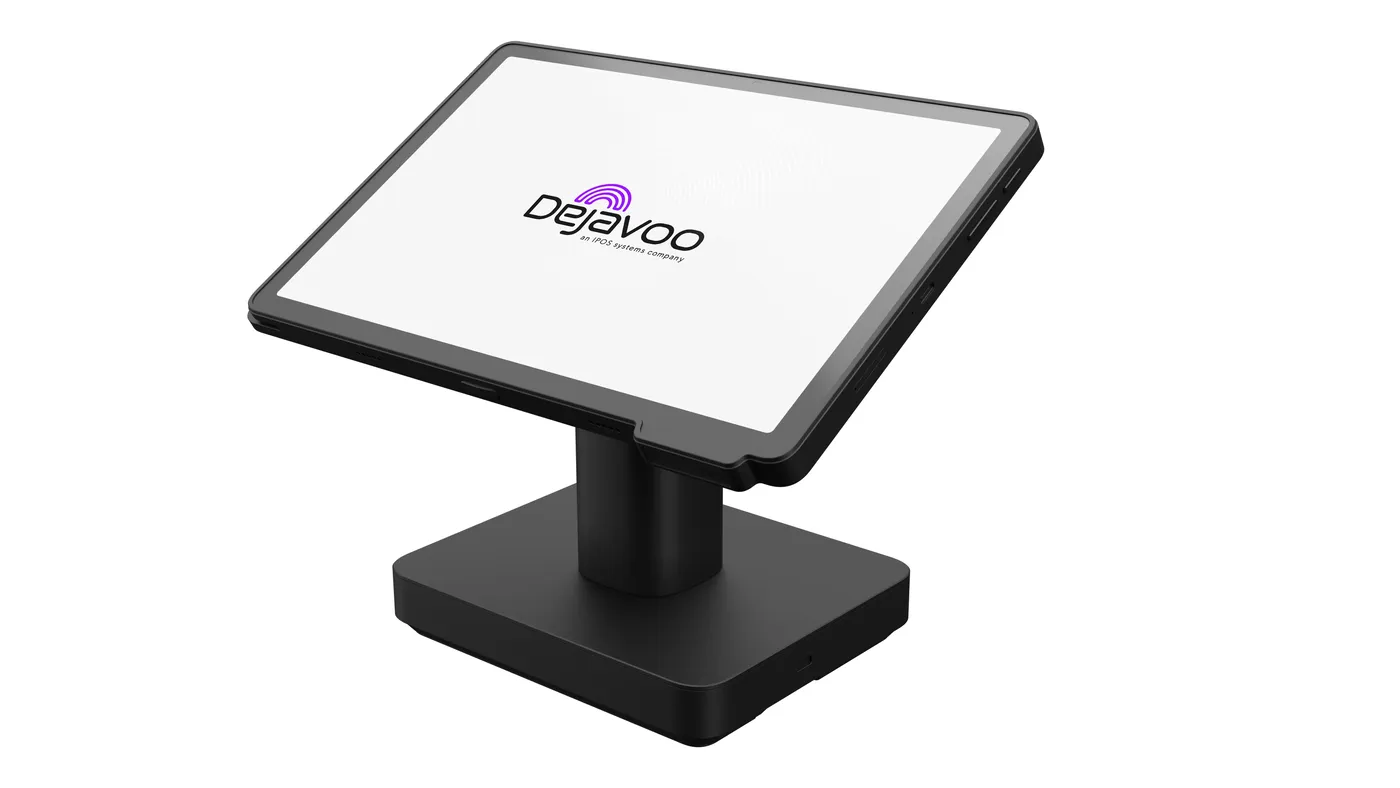
Dejavoo makes countertop, wireless, and handheld payment terminals and the software around them, covering the sale at the counter through reporting in the cloud.
Overview
What Dejavoo does.
Dejavoo builds payment hardware and the software around it, from the terminal at the register to back office tools and cloud services. Its devices serve restaurants, retail shops, medical and professional offices, automotive businesses, and mobile or seasonal merchants.
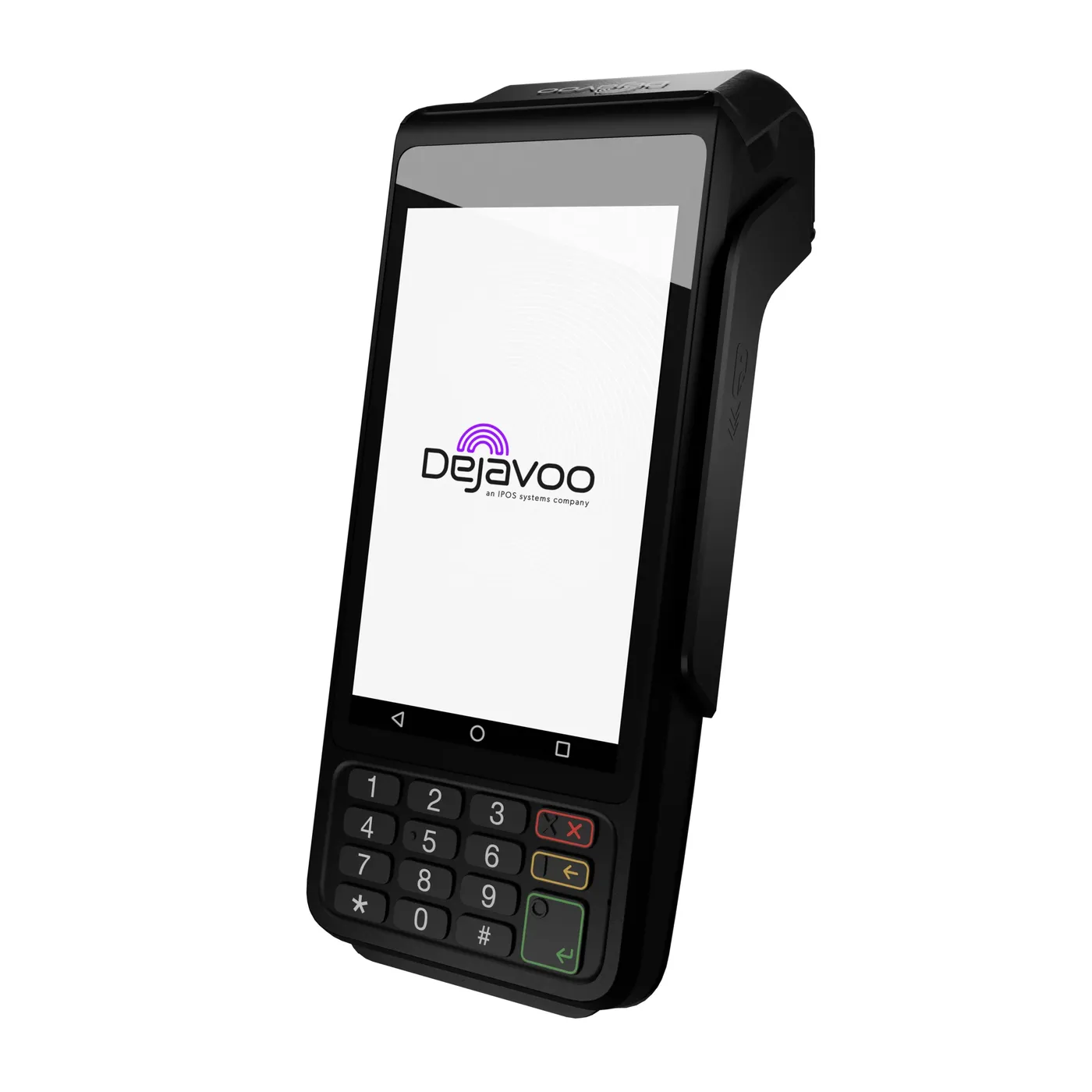
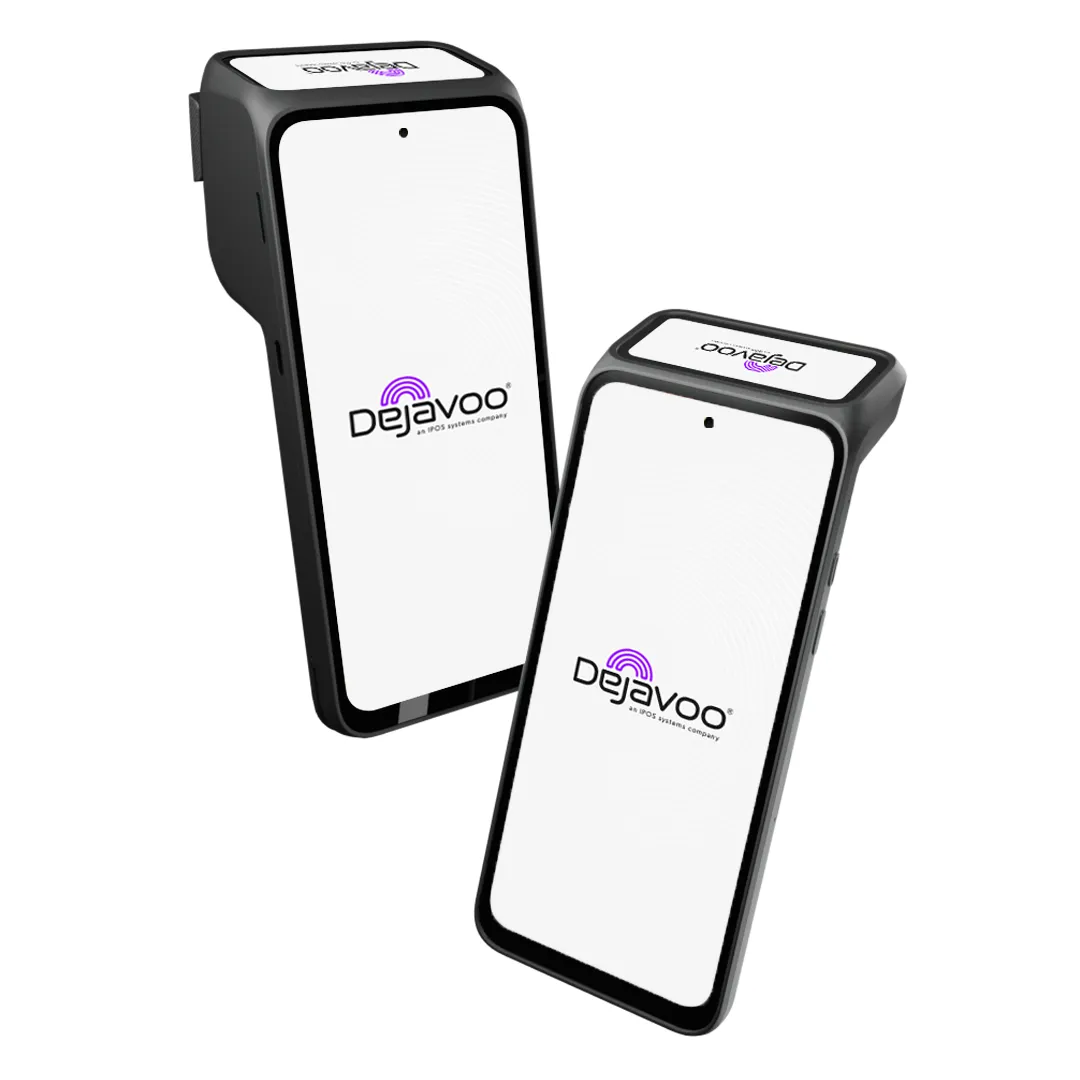
The Android P Line covers most counters and settings. The P1 is a countertop terminal for fast checkout, the P3 is a wireless unit with a keypad and built-in printer, and the P5, P12, and P17 work as mPOS devices and PIN pads, with the P17 adding a large screen for PIN entry and signatures. The P8 and P8 Dual Screen models are wireless, and the P18 has a flip screen with ordering and inventory tools and can run multiple lanes. Dejavoo also offers the QD2 and QD4 Android terminals, the Linux-based Z line, and Dejavoo Flex for unattended payments.
Dejavoo's cloud tools add a virtual terminal, a hosted payment page, payment links by email, text, or QR code, recurring billing, tokenization, fraud screening, and Level 2 and Level 3 data for business-to-business sales. DeNovo, a cloud toolkit for routine business tasks, runs on the Z line and QD terminals.
Capabilities
What Dejavoo handles.
- Android P Line terminalsCountertop, wireless, mPOS, and PIN pad models, from the P1 at the counter to the flip-screen P18.Ask about this
- Wireless and handheld optionsThe P3, P8, and P8 Dual Screen models take payments away from the counter, with printers on select models.Ask about this
- PIN pads with signature captureThe P17 PIN pad pairs a large screen with PIN entry and signature capture for retail and office counters.Ask about this
- Virtual terminal and payment linksA cloud virtual terminal, a hosted payment page, and payment links sent by email, text, or QR code.Ask about this
- Recurring billing and tokensSchedule recurring payments and store cards as tokens, with fraud screening built in.Ask about this
- Unattended paymentsDejavoo Flex is the line for unattended payments in self-service settings.Ask about this
With TrueTill
One team from fit to go-live.
- 01
Check the fit
We learn how you work, then confirm Dejavoo fits your business, your devices, and the software you already use.
- 02
Set it up
We coordinate the Dejavoo setup with the payments behind it, so the system and the processing go live together.
- 03
Stay supported
One TrueTill contact for questions after launch, from training to changes as your business grows.
Questions
Dejavoo: common questions
Which Dejavoo terminal fits a restaurant?
Dejavoo points restaurants, delivery, and home service businesses to the P3, a wireless Android terminal with a keypad and printer. We confirm the right model for your processing setup before you order.
- PAXPayment terminals and Android POS devices
Dejavoo is a product of its own company. This page is TrueTill's summary of Dejavoo's public materials, reviewed November 16, 2026; images are Dejavoo's own. Features and availability can change, so we confirm them before you sign. Sources: dejavoo.io, dejavoo.io.
Get started
Ask about Dejavoo.
Tell us how you run your business. We will confirm whether Dejavoo fits and set it up with the payments behind it.
- A team member follows up with you
- We confirm what fits before you sign anything
- Setup, payments, and support from one team
Rather talk now? We answer around the clock. (843) 296-2599
Form stuck or not loading? Open the form on its own page or call (843) 296-2599.